
AI Background Generator Online
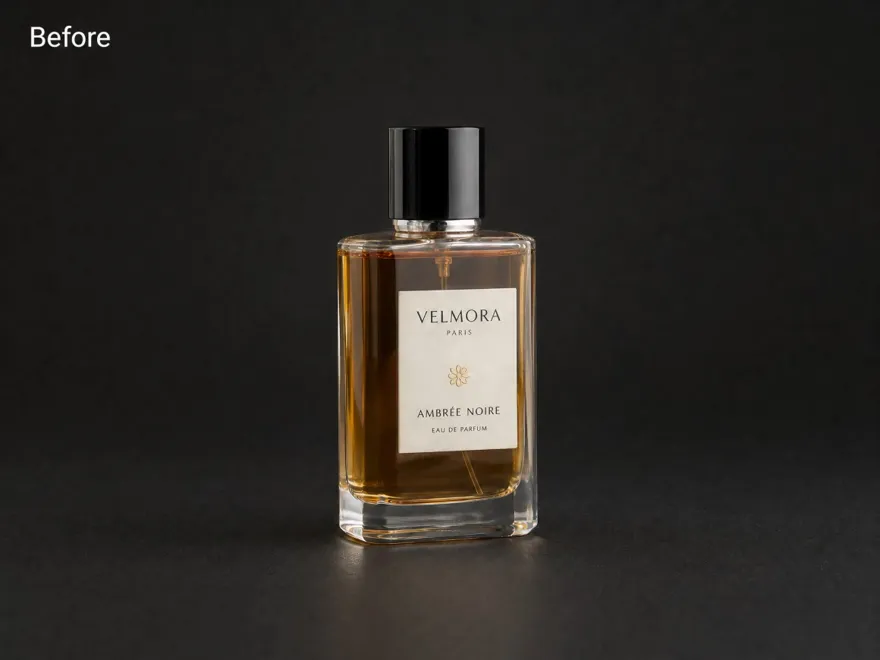
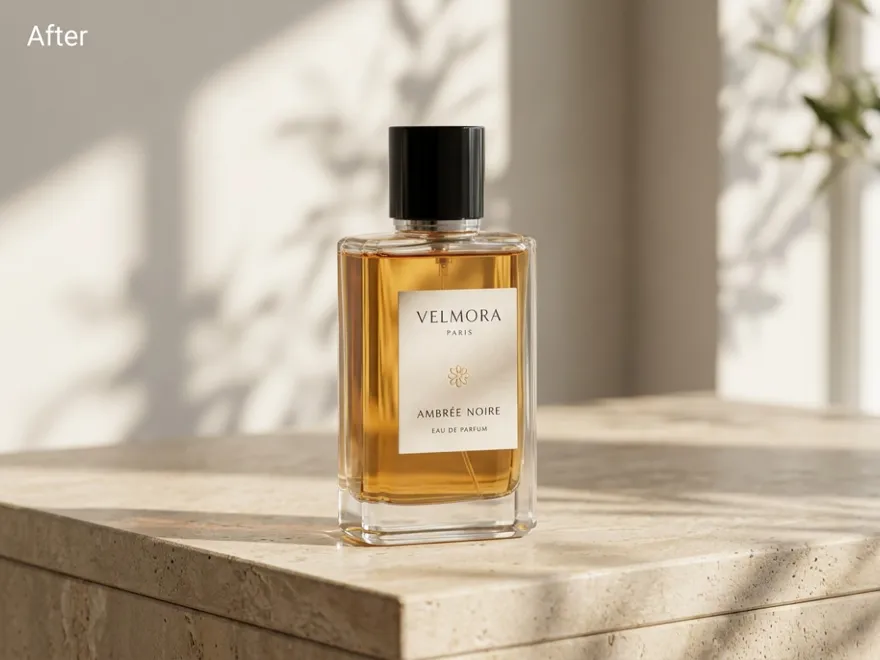
How to Generate an AI Background Instantly
Upload Your Image
Upload the image you want to edit to RoboNeo. Choose a clear photo with a visible subject to help create a natural-looking result.
Describe Your Desired Background
Enter a prompt describing the background you want, including the scene, colours, lighting, and shadows. For example, request a clean studio background with soft lighting and natural shadows for a product photo.
Generate Your New Background
Let AI generate a new background based on your image and prompt. Review how the subject blends with the new scene, including the lighting, shadows, and overall composition.
Review and Download Your Image
Check the final result and make any necessary adjustments. Choose the appropriate export format, then download your image for product listings, marketing materials, social media, or other creative projects.
AI Background Generator for Creative Visuals
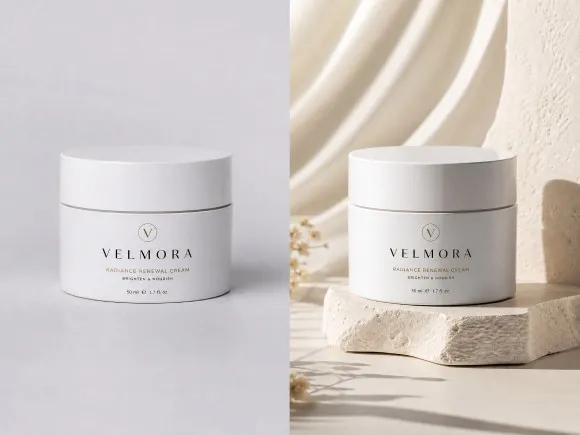
Create Professional Backgrounds Without Design Skills
Generate polished visuals without complex editing software. The AI background generator replaces plain backgrounds with professional-looking scenes, helping creators, sellers, and marketers prepare better images faster.
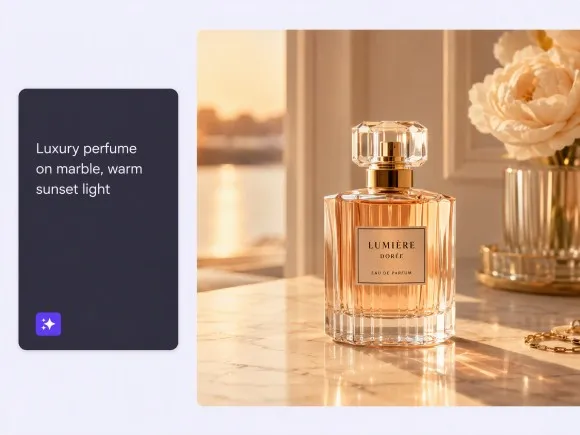
Generate Custom Scenes From Simple Text Prompts
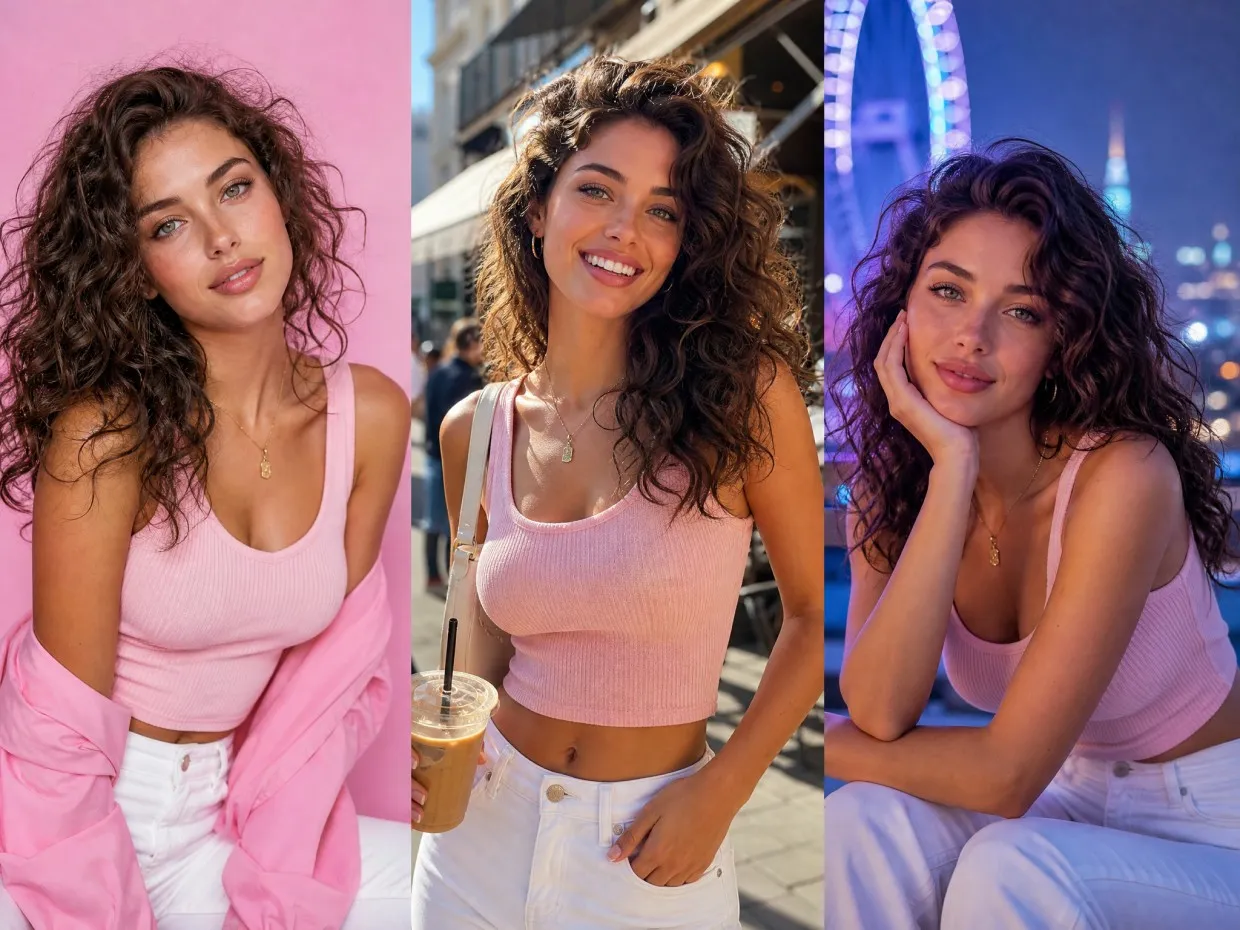
Turn ideas into visuals with an AI background maker that creates custom scenes from text descriptions. Choose different styles, environments, and themes to match your creative needs.
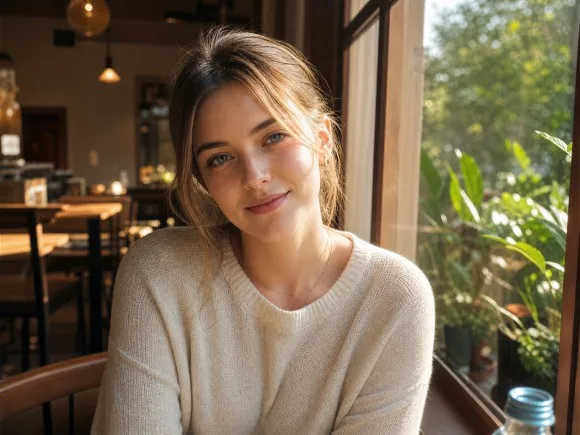
Keep Subjects Natural in AI-Generated Scenes
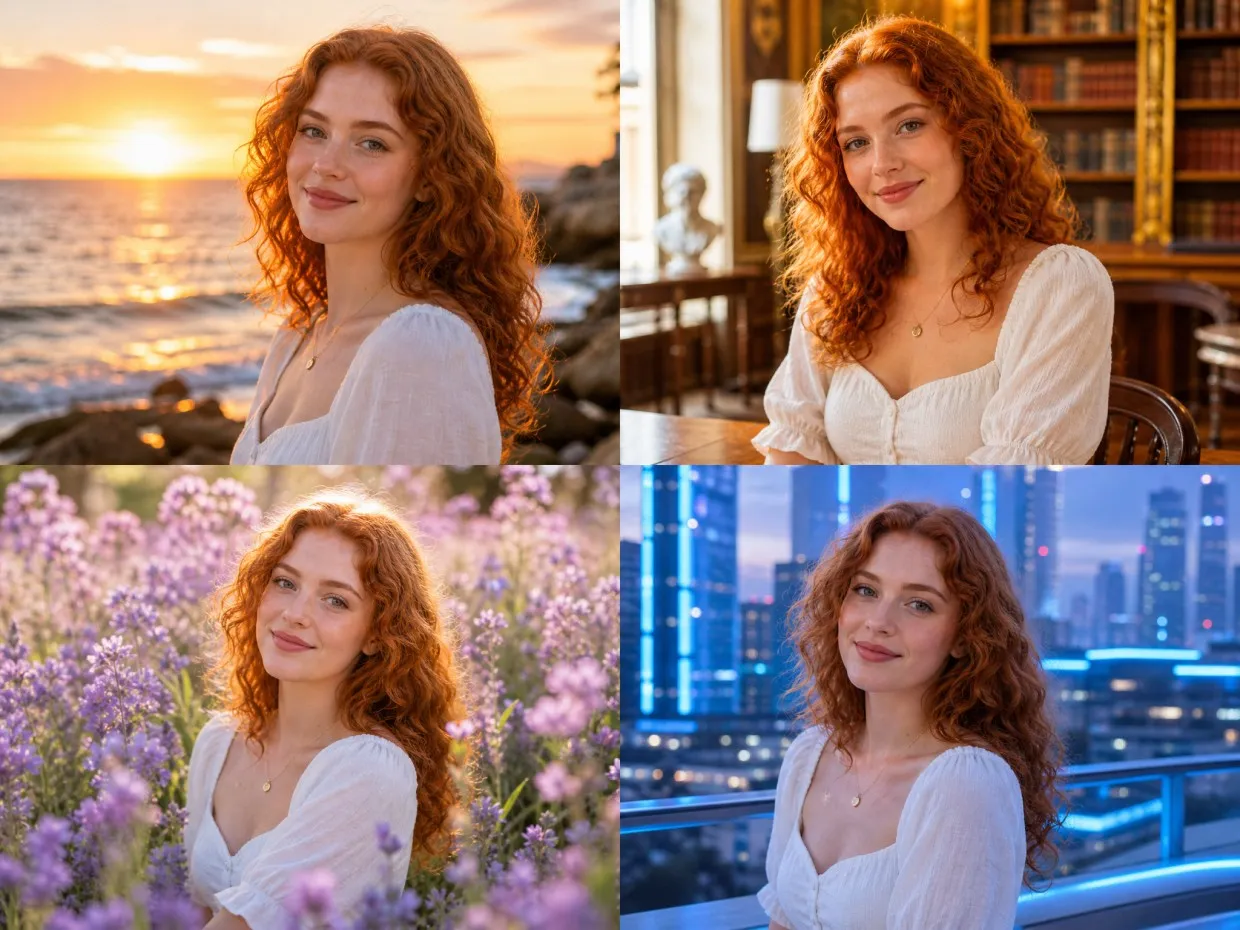
Achieve realistic results with backgrounds that match the original subject. The AI background generator helps preserve important details, making portraits, products, and objects blend naturally into new scenes.
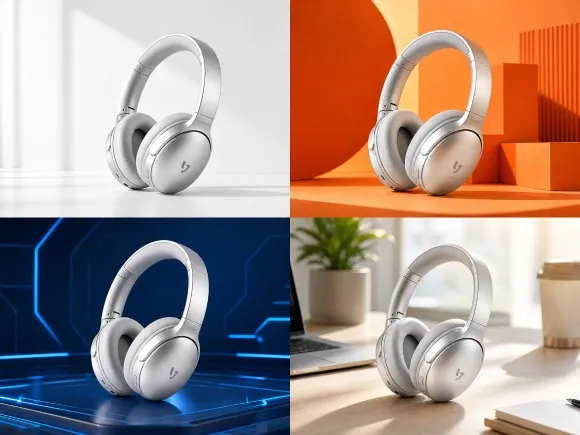
Create Multiple Visual Styles in Less Time
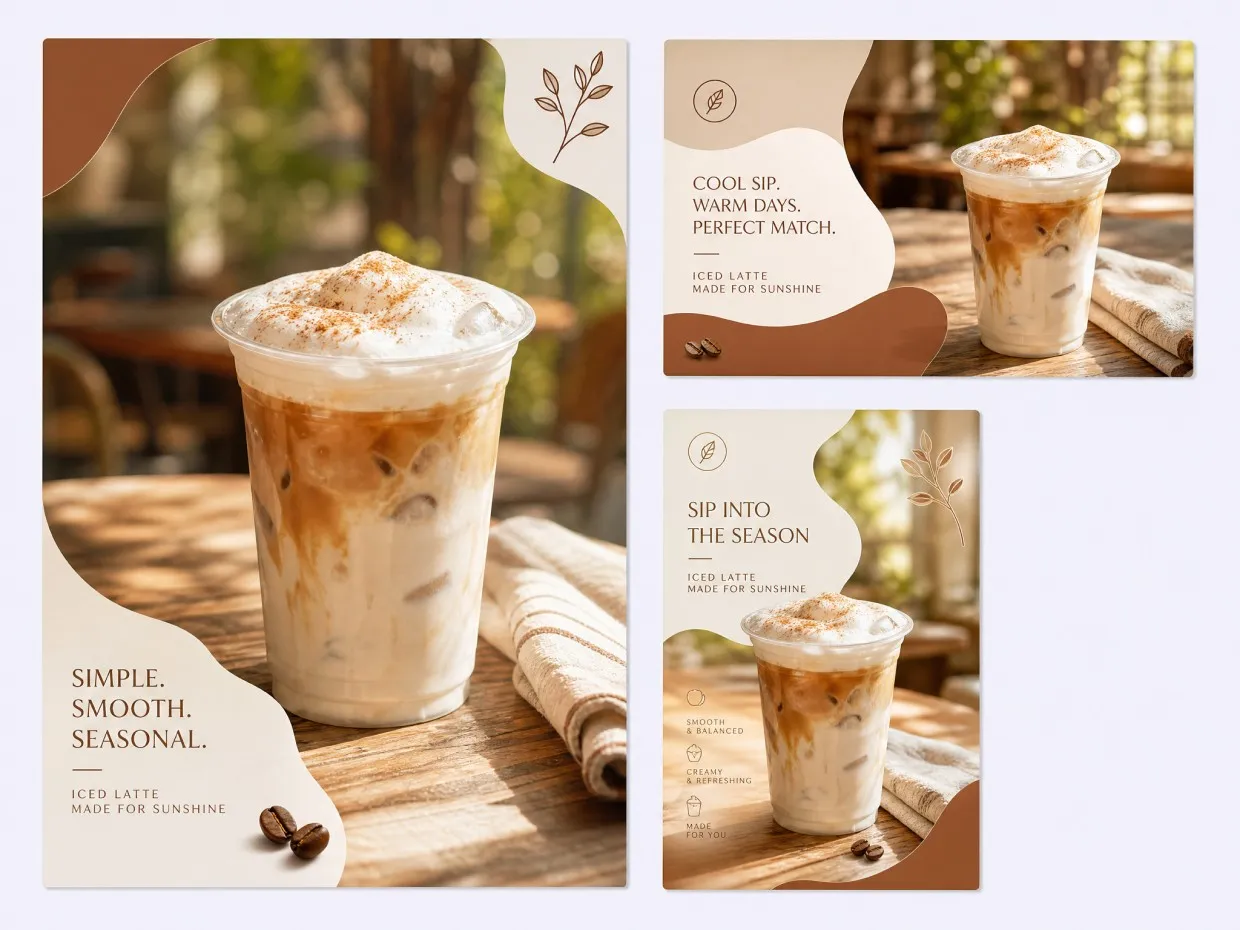
Explore different AI generated background options and create multiple versions for different campaigns. Generate fresh visuals for ads, websites, and social media without repeated manual editing.
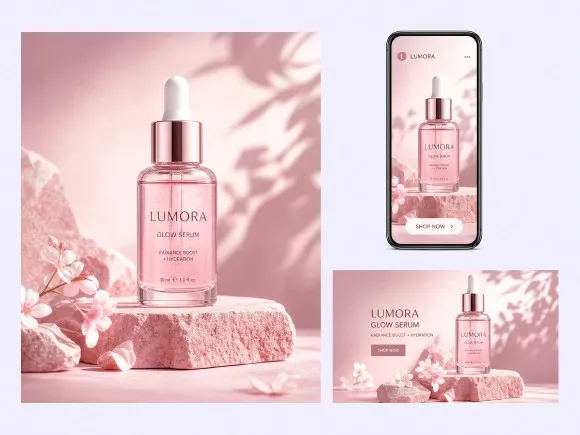
Generate Once, Reuse Across RoboNeo Workflows
Create an AI-generated background for a product photo or marketing visual, then carry that result into other creative projects. With RoboNeo's AI Agent, you can continue working with your generated background across supported workflows and adapt it for product listings, ads, or social media content without starting from scratch.
AI Background Generator Use Cases
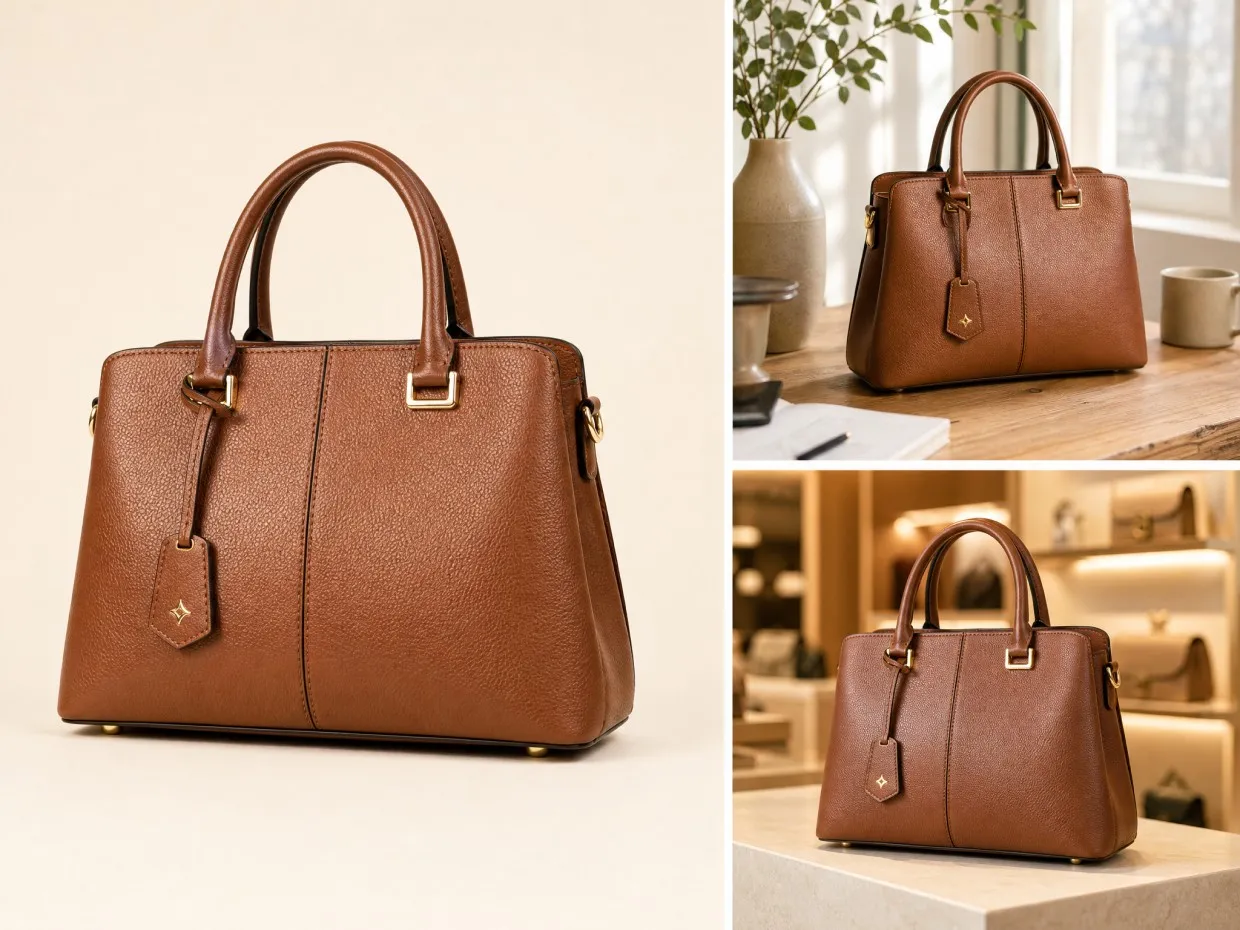
Create Better Product Listings
Online sellers can use an AI background generator to turn simple product photos into cleaner marketplace images. Create professional-looking visuals for ecommerce pages, advertisements, and promotional campaigns without expensive photography setups.
Frequently Asked Questions
What is an AI background generator?
Can you provide me with an AI background generator for products?
Yes. An AI background generator can create product scenes from simple prompts. For example, use a prompt like: "A skincare bottle on a marble table with soft natural lighting and a clean studio background."
How Do I write a prompt for an AI background generator?
Describe the setting, colours, lighting, and atmosphere you want behind your subject. For example, use "a modern coffee shop interior with warm lighting, wooden furniture, and a cosy atmosphere" to create a lifestyle background while keeping the focus on your original subject.
How do I make an AI background look realistic?
Use specific details about lighting, shadows, and perspective. A prompt like “a product placed on a wooden table with natural sunlight, realistic shadows, and a blurred outdoor background” can create a more natural result.
What images work best with an AI background generator?
Clear product photos, portraits, and images with defined subjects usually work best. Avoid blurry images or complex backgrounds that may make subject separation less accurate.
Can I use an AI background generator for ecommerce photos?
Yes. Use prompts based on your product style, such as "a luxury watch on black marble with dramatic lighting" or "a handbag displayed in a modern boutique setting."
How can I create different backgrounds from one photo?
Upload the same image and try different prompts, such as "minimal white studio background," "outdoor lifestyle scene," or "premium office setting" to create multiple visual styles.
Create Stunning Images with an AI Background Generator
Transform ordinary photos into professional visuals with AI-powered background creation. Generate custom scenes, improve product images, and create engaging content faster with RoboNeo.
What Users Say About RoboNeo
I use RoboNeo to create clean studio-style backgrounds for product photos. Being able to try white, beige, and other neutral settings helps me find a look that fits each product without setting up a physical backdrop.
Some of my social posts need a specific atmosphere, not just a plain background. I can describe the scene I have in mind, including the colours and lighting, and use the generated background to bring that idea closer to what I pictured.
For campaign work, consistency matters. I can explore backgrounds that fit our brand colours and compare different visual directions before deciding which one works best for a promotion.
What I find useful is being able to test a scene before settling on a final design. A soft studio setting, an outdoor backdrop, or a more dramatic environment can give the same subject a different feel, which helps when presenting creative options to a client.
I don't always need to create a new background for every asset. With RoboNeo's AI Agent, I can continue working with generated backgrounds across supported workflows and adapt them for different campaign materials instead of rebuilding the scene from scratch.