
How to Use Agent Teams to Build a Creative Workflow in 2026?
 RoboNeo TeamApril 21, 2026
What Is Agent Teams?
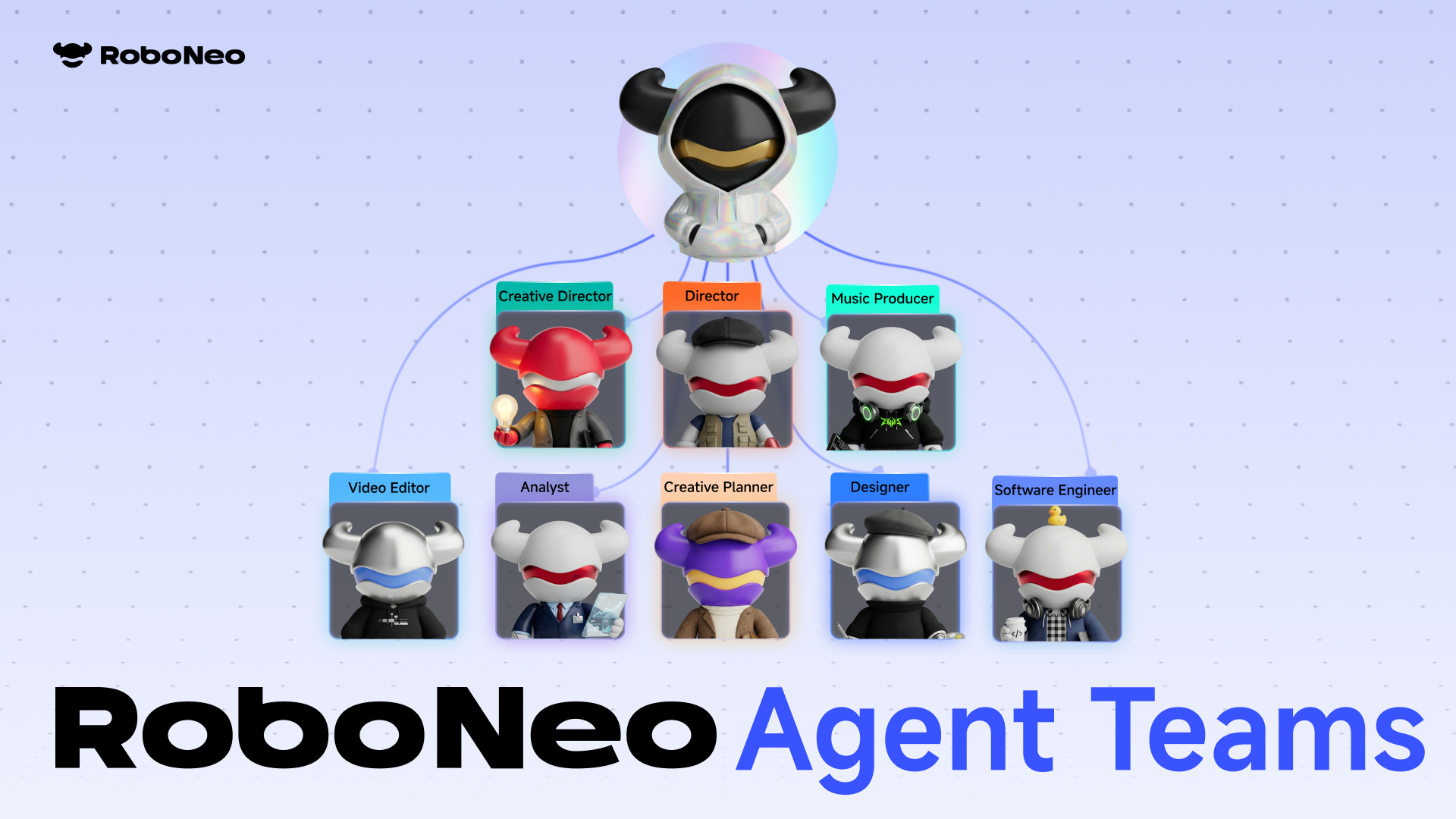
Agent Teams is RoboNeo's multi-agent collaboration system. Instead of working with a single AI, you get an entire creative crew of trend researchers, content strategists, designers, scriptwriters, and video editors all working in parallel on your project. Each owns their role and hands off automatically to the next. You're not the executor anymore. You're the CMO. You give the brief. The team ships the work.
What Powers Agent Team Behind the Scenes
Agent Skills Library
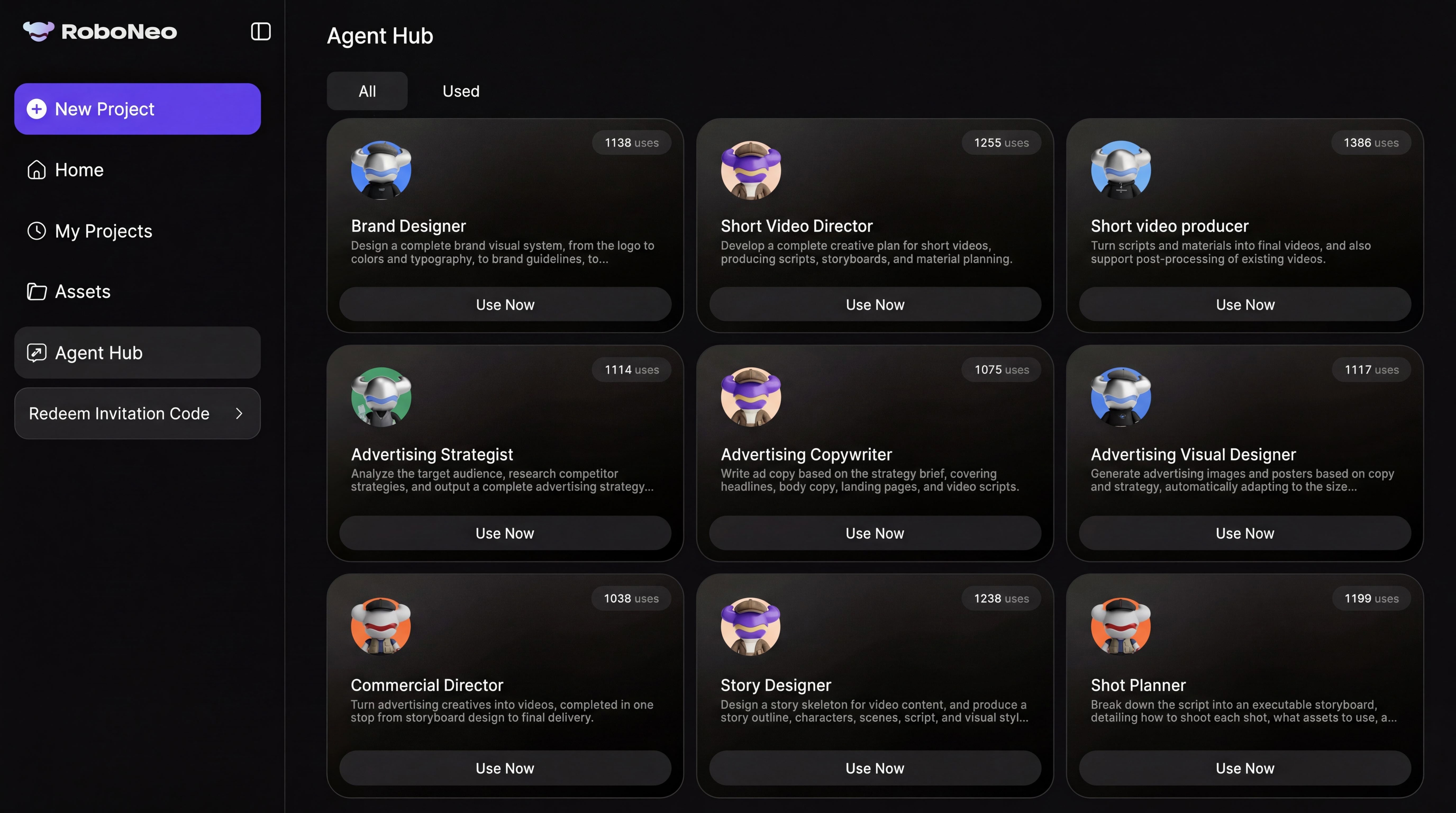
As Agent Team works through your project, it automatically pulls from the built-in Agent Skills library: a curated collection of expert-level skills spanning film, design, marketing, and e-commerce. These skills package deep domain expertise into callable functions, so every output meets industry-standard quality without you having to describe your aesthetic from scratch.
You can also build your own custom Skills. If you have a workflow that consistently delivers, turn it into a one-click Skill and Agent Team will apply it automatically every time.
Memory Assets
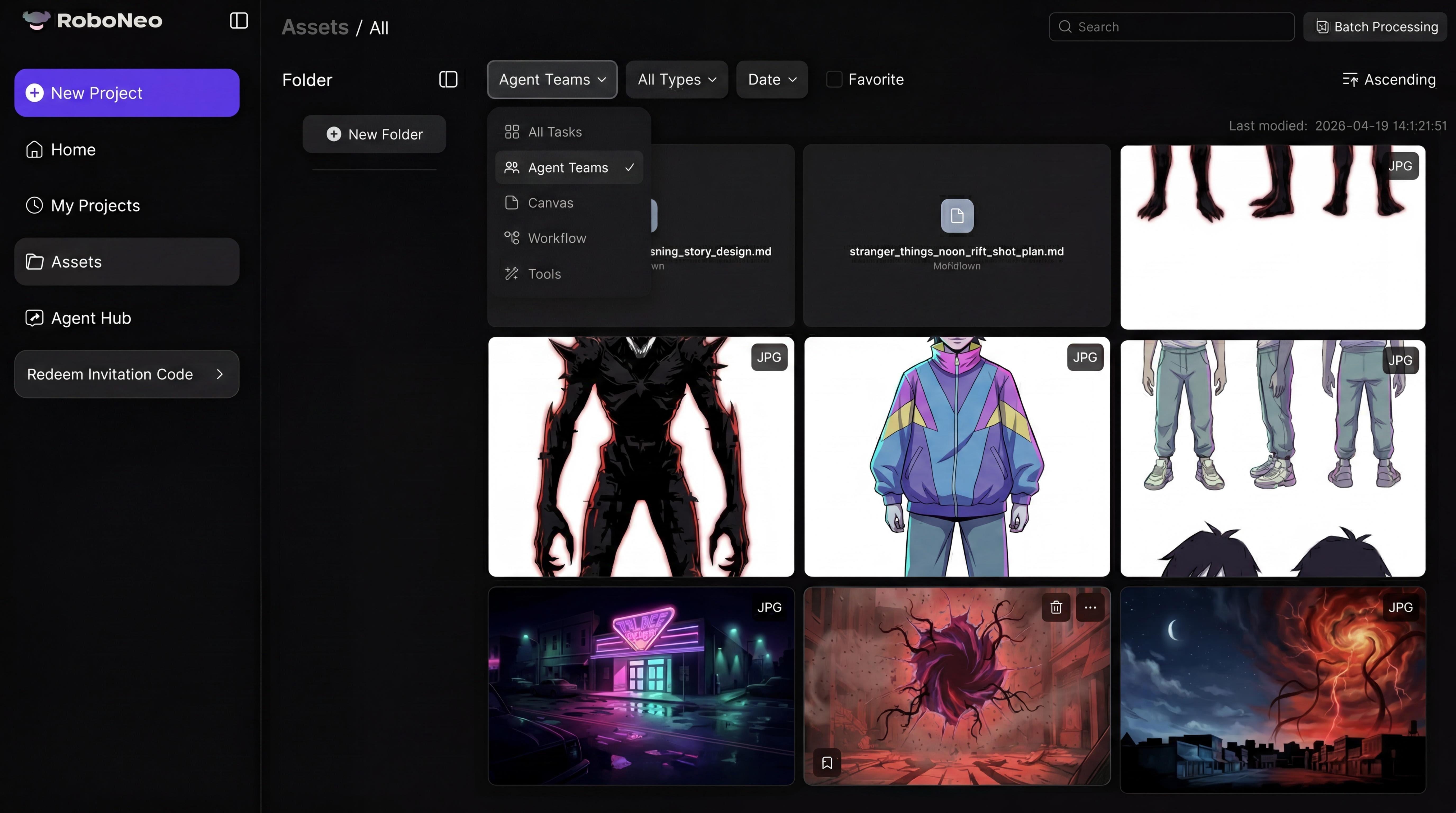
Agent Teams works with RoboNeo's Memory Assets, which means it gets better every session. Your brand identity, visual preferences, color instincts, and past assets are all retained and applied automatically to new projects. You never re-explain yourself. Every brief you drop in builds on everything that came before.
RoboNeo CLI
For developers and OpenClaw users, RoboNeo CLI lets you call Agent Team directly from your terminal. One command to start a session, dispatch a task, or spin up the full team, embedded straight into your existing workflow. Every session is saved as a room with a shareable link so you can jump back in anytime across any device.
What Can Agent Team Do For You?
Social Media Content
Drop a brief and get back a full content package: cover image, caption, script, and animated opening, all generated simultaneously. Agent Team pulls real-time trends into your content automatically so you're always posting at the right moment. You handle the final review. The team handles everything else.
Short Drama and Film Production
From character design and scriptwriting all the way through storyboarding and final video output, Agent Team handles the full pipeline. You don't need prior production experience. Describe your story and the agents build it out scene by scene, role by role.
E-commerce Video
High-performing product videos in under 5 minutes. Agent Team understands product context, builds a visual plan, structures the information, and delivers a commercial-ready output optimized for conversion, without you touching a single editing tool. What used to take half a day now takes minutes.
How to Get Started
Activate Agent Teams
- Open RoboNeo and go to the left sidebar. Click New Project and select Agent Teams Mode.
- Already in a project? Check the Agent Teams toggle in the chat input panel to switch into multi-agent mode on the spot.
Drop Your Brief
Describe what you want in plain natural language. Hit send and Agent Teams automatically assembles the right crew for your project.
Review and Refine
Agent Teams will surface follow-up questions or present options when it needs a decision from you. Engage with these moments, the more context it gets, the sharper the final output.
FAQ
How is Agent Teams different from using a single AI model?
Can I use Agent Teams if I already have my own workflow?
Yes. You can turn any repeatable workflow into a custom Skill. Agent Teams will apply it automatically so your existing process becomes a one-click capability rather than something you have to rebuild every time.
What happens if Agent Teams asks me a question mid-process?
That is Agent Teams looping you in at a decision point. Answer it directly in the chat panel. The more context you give, the better the output at that stage. You can also select from options it presents if it surfaces multiple directions.