
AI 3D Character Creator Online
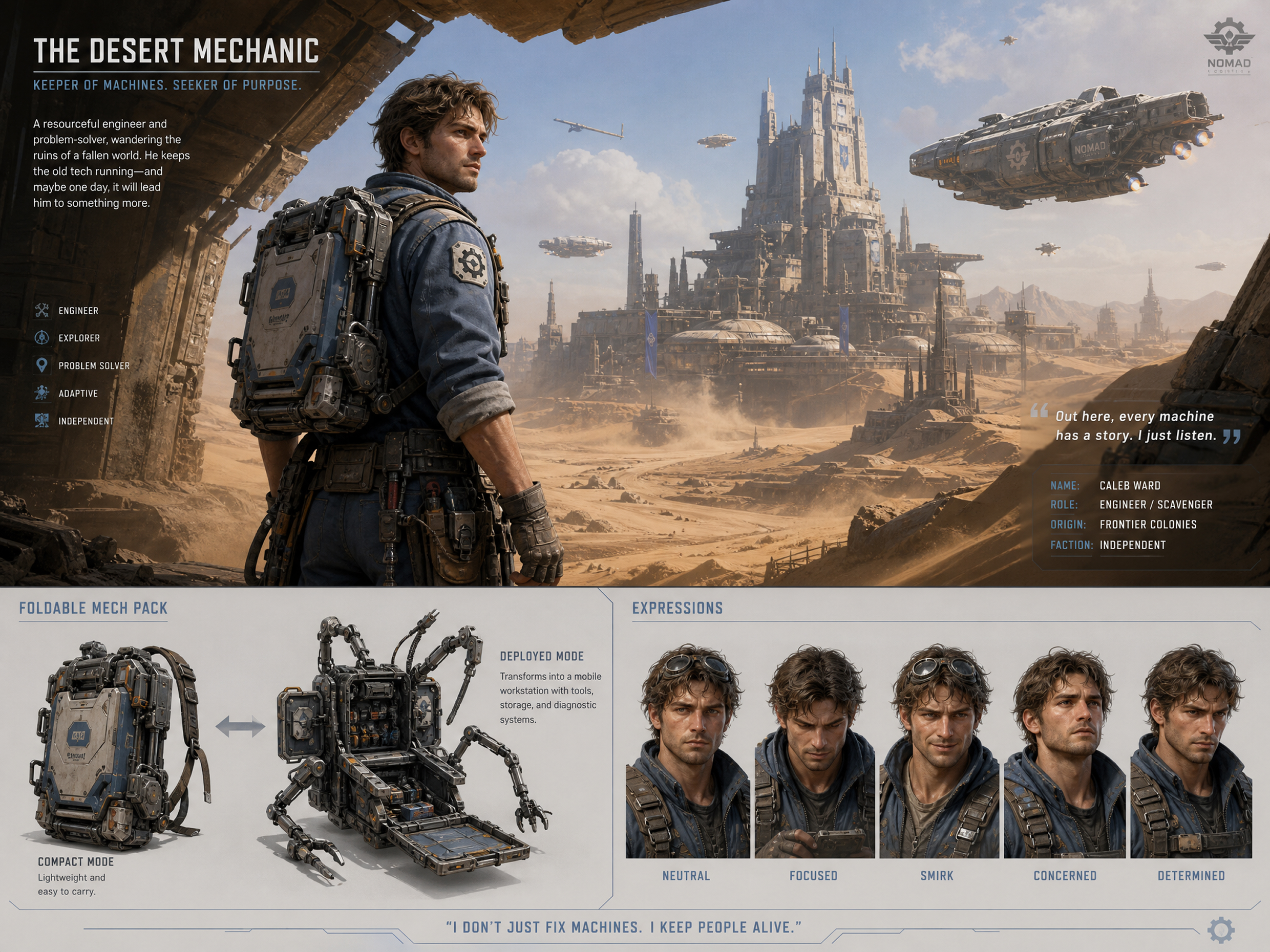
Create polished 3D-style characters from text prompts or reference images with RoboNeo AI 3D character creator. Define the face, outfit, pose, expression, and visual style, then refine specific details with simple instructions. Create character visuals for ads, social posts, stories, and concept development without traditional design or modeling workflows.
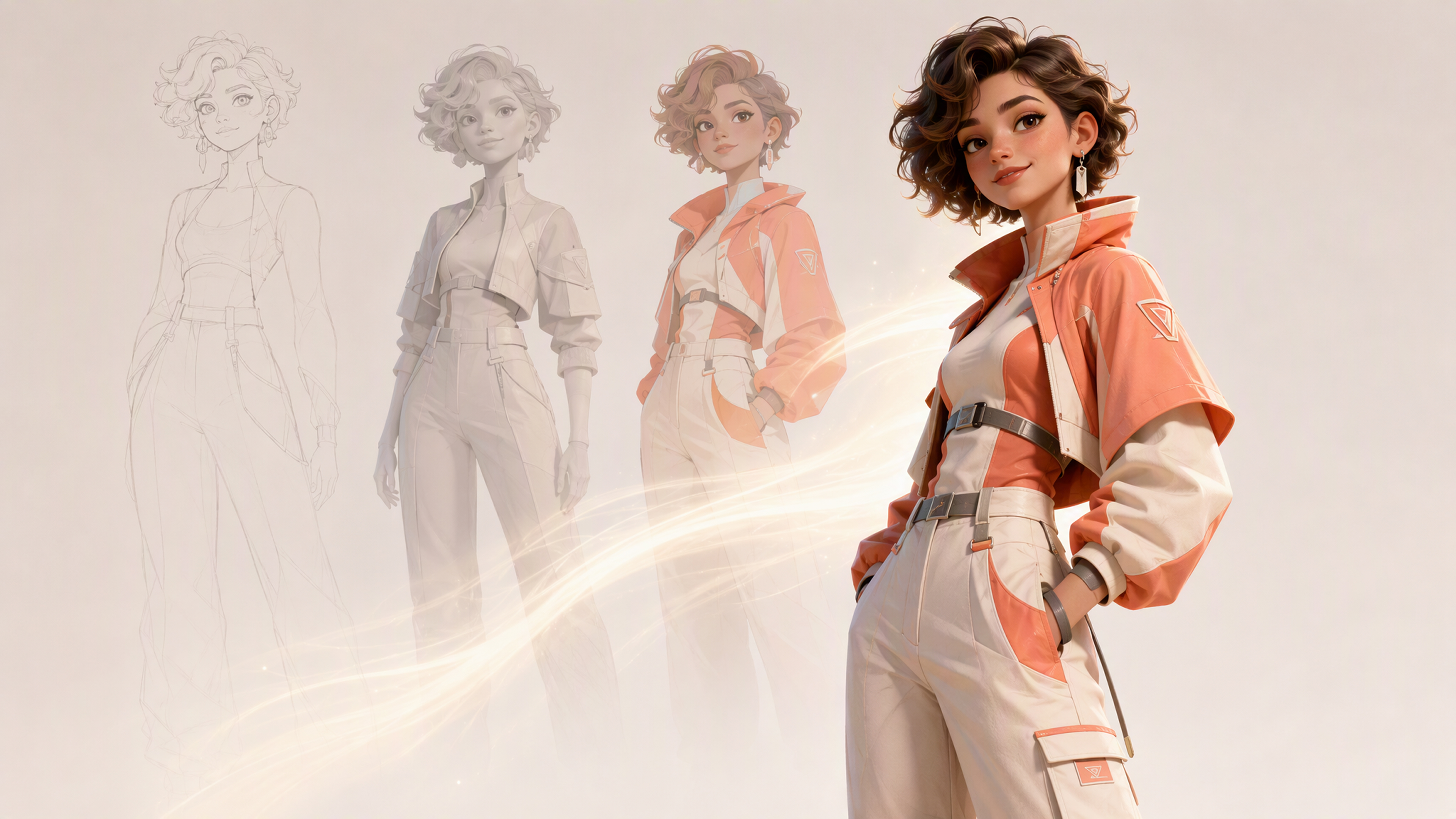
How to Create a 3D Character with RoboNeo
Describe or Upload Your Character
Enter a prompt describing the character's face, hairstyle, outfit, expression, pose, and 3D style, or upload a clear reference image. Include the intended scene or content type to guide the initial composition.
Generate Views and Adjust Lighting
Ask RoboNeo to show front, side, three-quarter, or back views of the same character. Refine the camera angle, framing, background, and lighting direction, then compare each result for visual consistency.
Refine and Save the Result
Use follow-up instructions to adjust the expression, clothing, pose, colors, or background while keeping the main character design. Review the final image, then download it or continue into an image-to-video workflow.
Create Better 3D Characters with RoboNeo
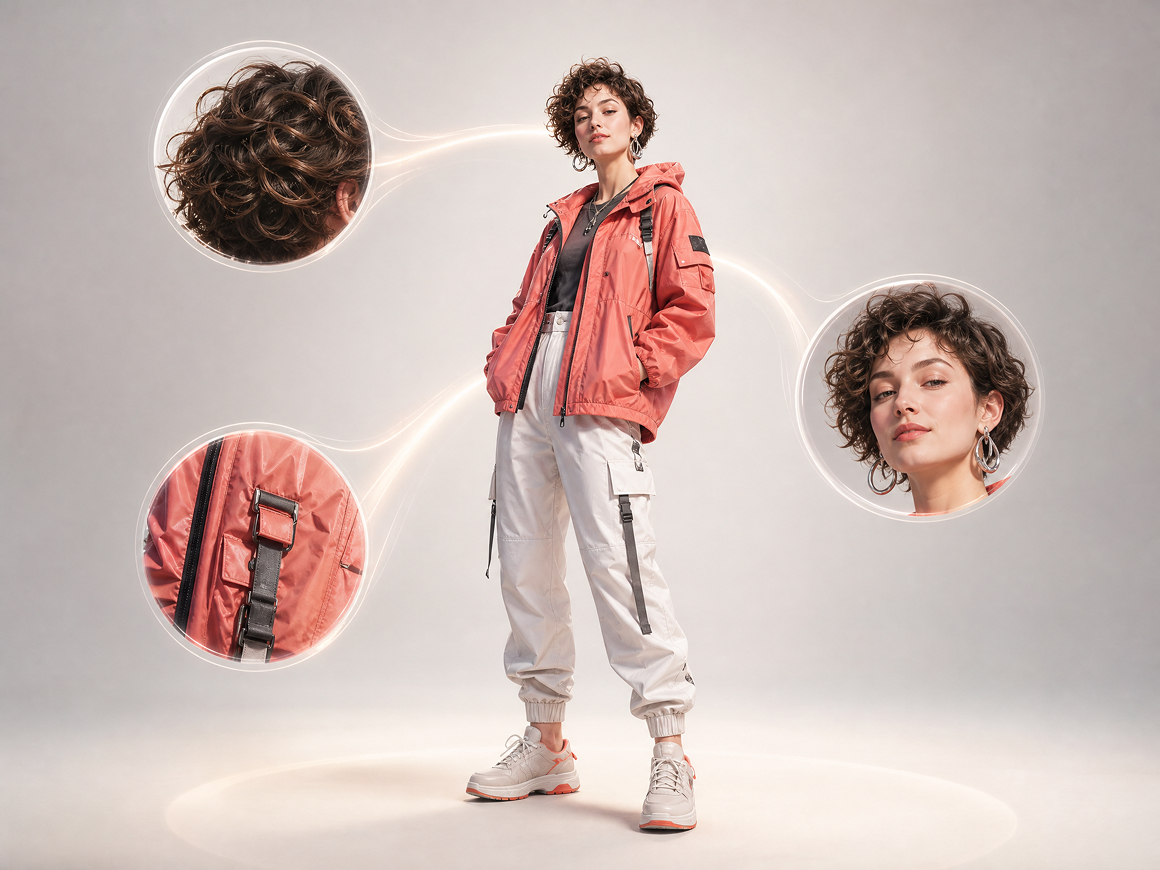
Create 3D Characters From Detailed Prompts
Describe the face, hairstyle, outfit, expression, pose, and visual style in everyday language. RoboNeo turns the brief into a polished 3D-style character concept, giving users seeking a free 3D character generator a faster way to create usable visuals without traditional modeling skills.
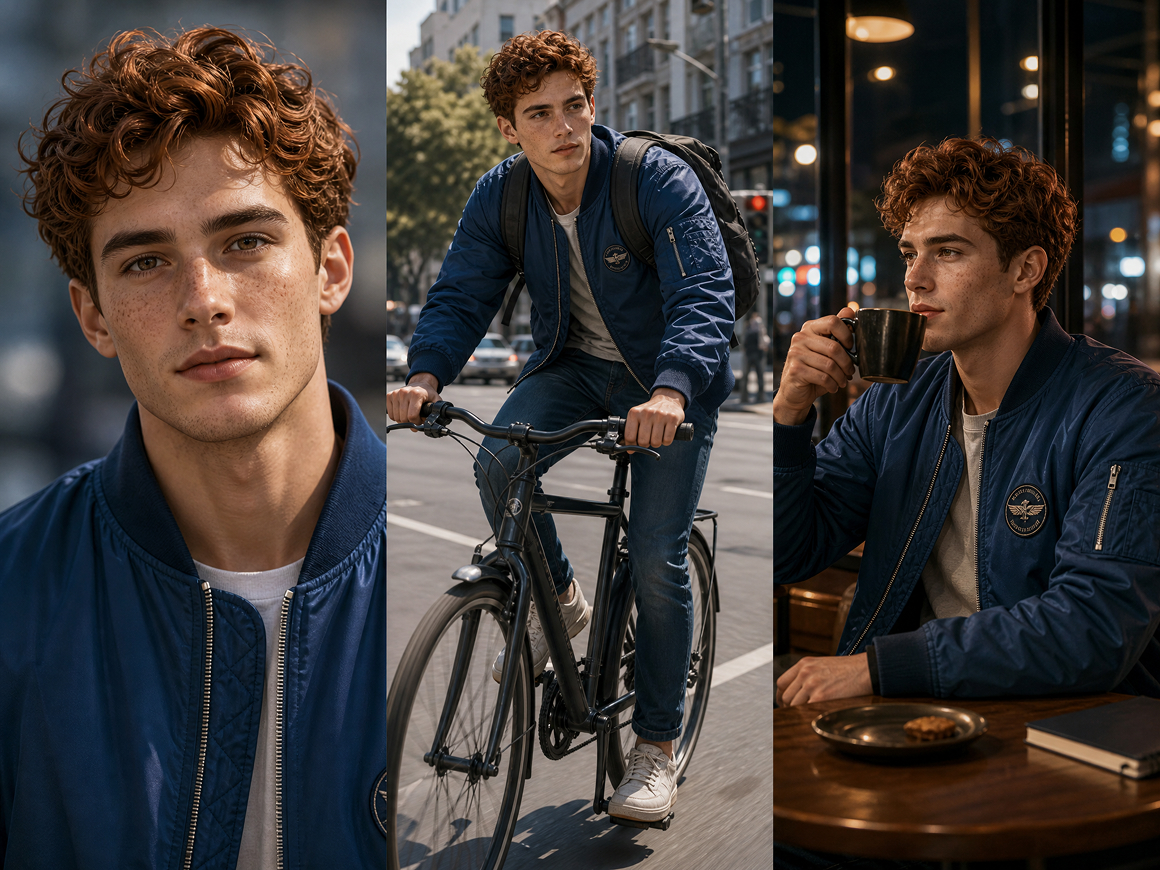
Keep Character Identity Consistent in Assets
Upload a reference image to anchor the character's defining traits across new poses, scenes, and campaign assets. This reduces visual drift between generations, helping marketing and content teams build recognizable recurring characters without manually recreating the same face, clothing, and style each time.
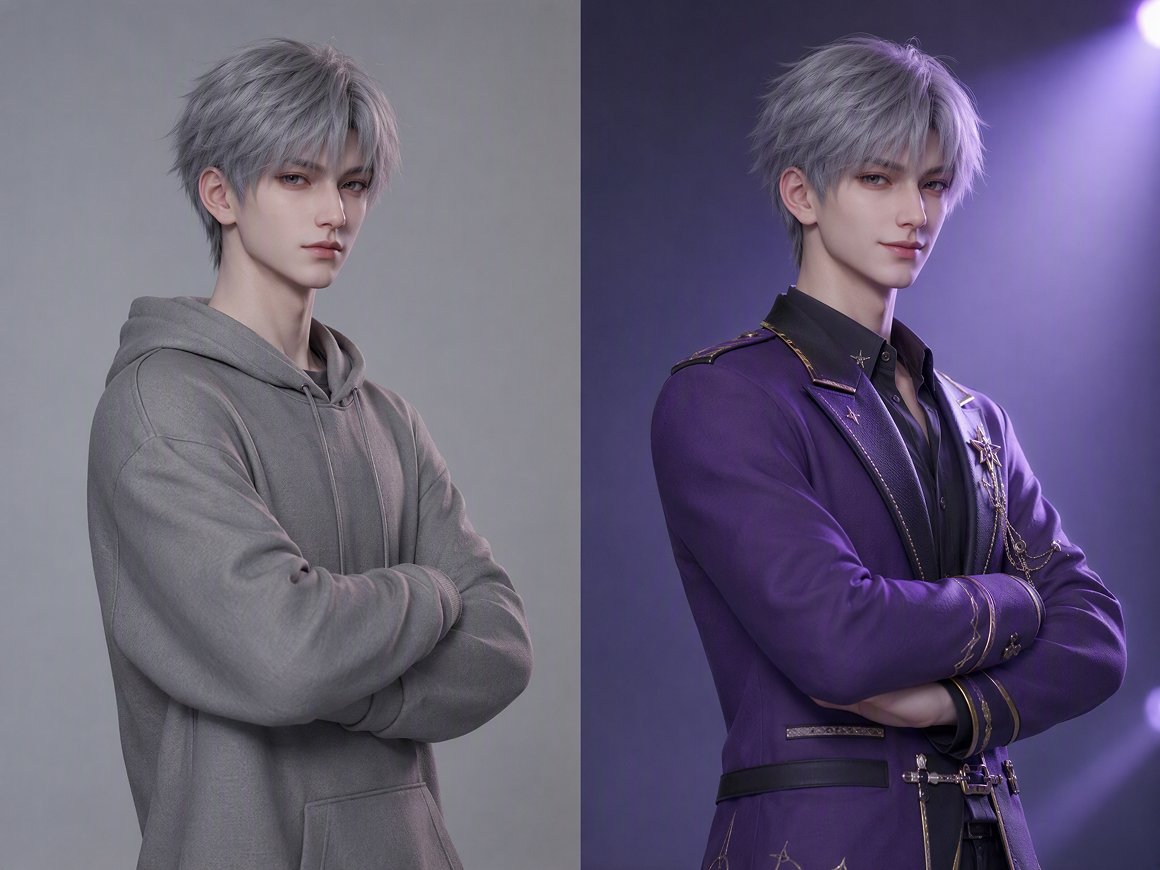
Edit Character Details Without Starting Over
Change clothing, expression, lighting, background, or composition through focused text instructions while preserving the parts that already work. This targeted editing workflow helps creators correct isolated issues faster, avoiding repeated generations and reducing the time spent rebuilding an otherwise successful character image.
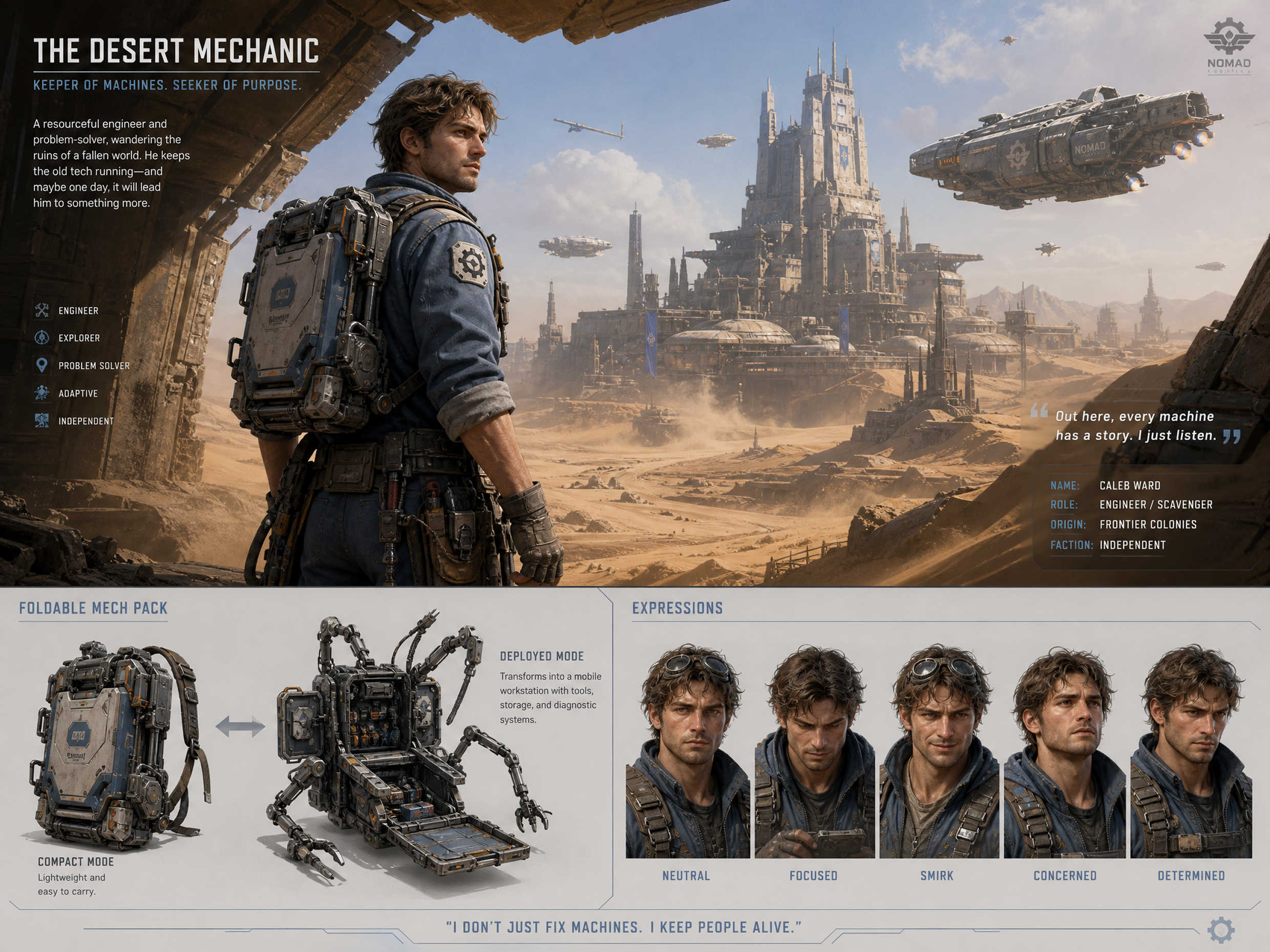
Turn Character Images Into Short Video Assets
Move an approved character directly into RoboNeo’s image-to-video workflow to add motion, scene changes, and audio. Keeping image creation and short-form production connected reduces tool switching, helping social and advertising teams turn static concepts into campaign-ready clips with fewer production handoffs.
How Creators Use a 3D Character Creator
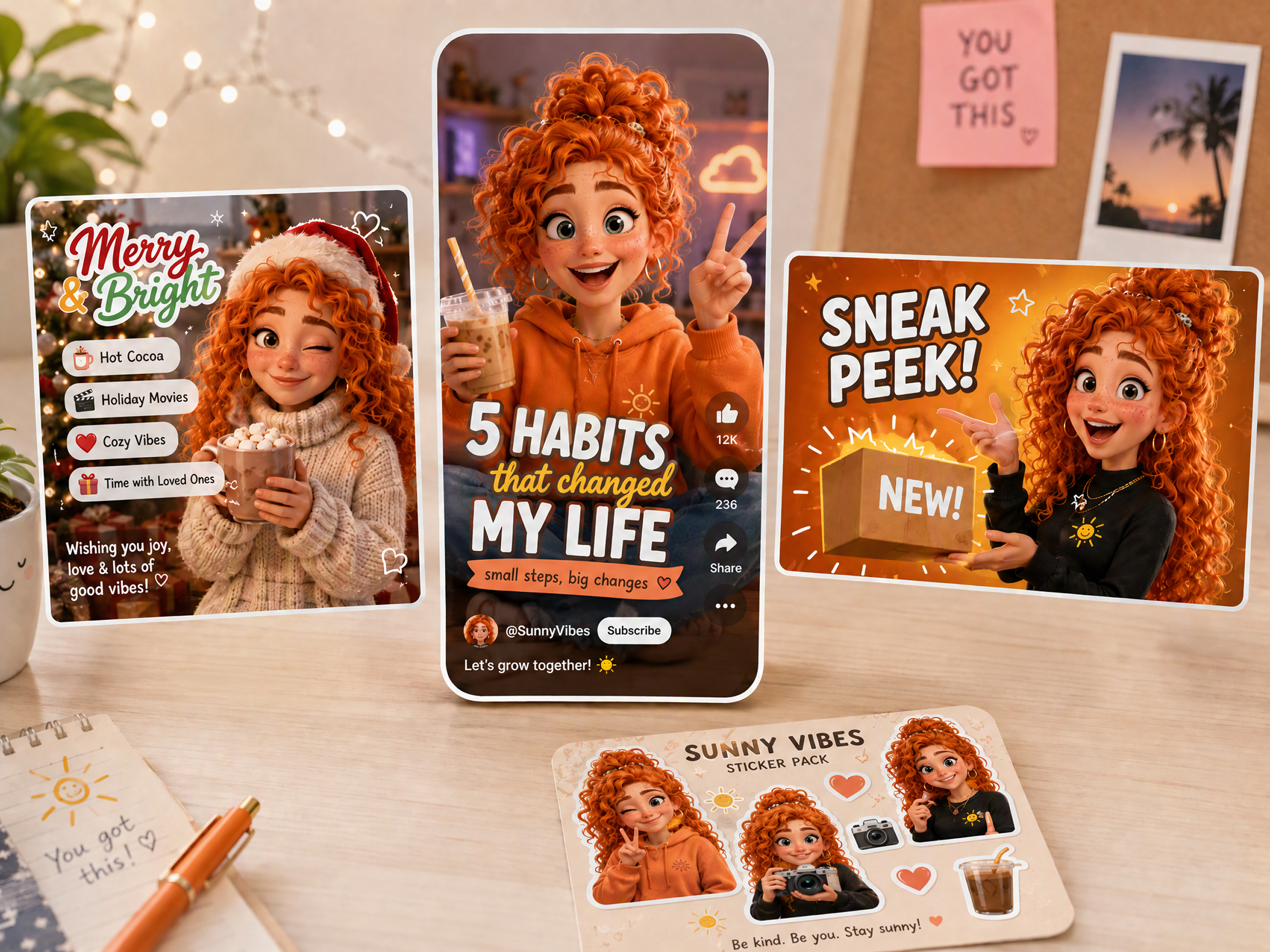
Social Media Character Campaigns
Social media teams can use the 3D character creator to build a recognizable figure for recurring posts, thumbnails, and short-form series. A consistent character makes each campaign easier to recognize, while quick visual variations help teams prepare seasonal content, test creative directions, and publish new assets faster.
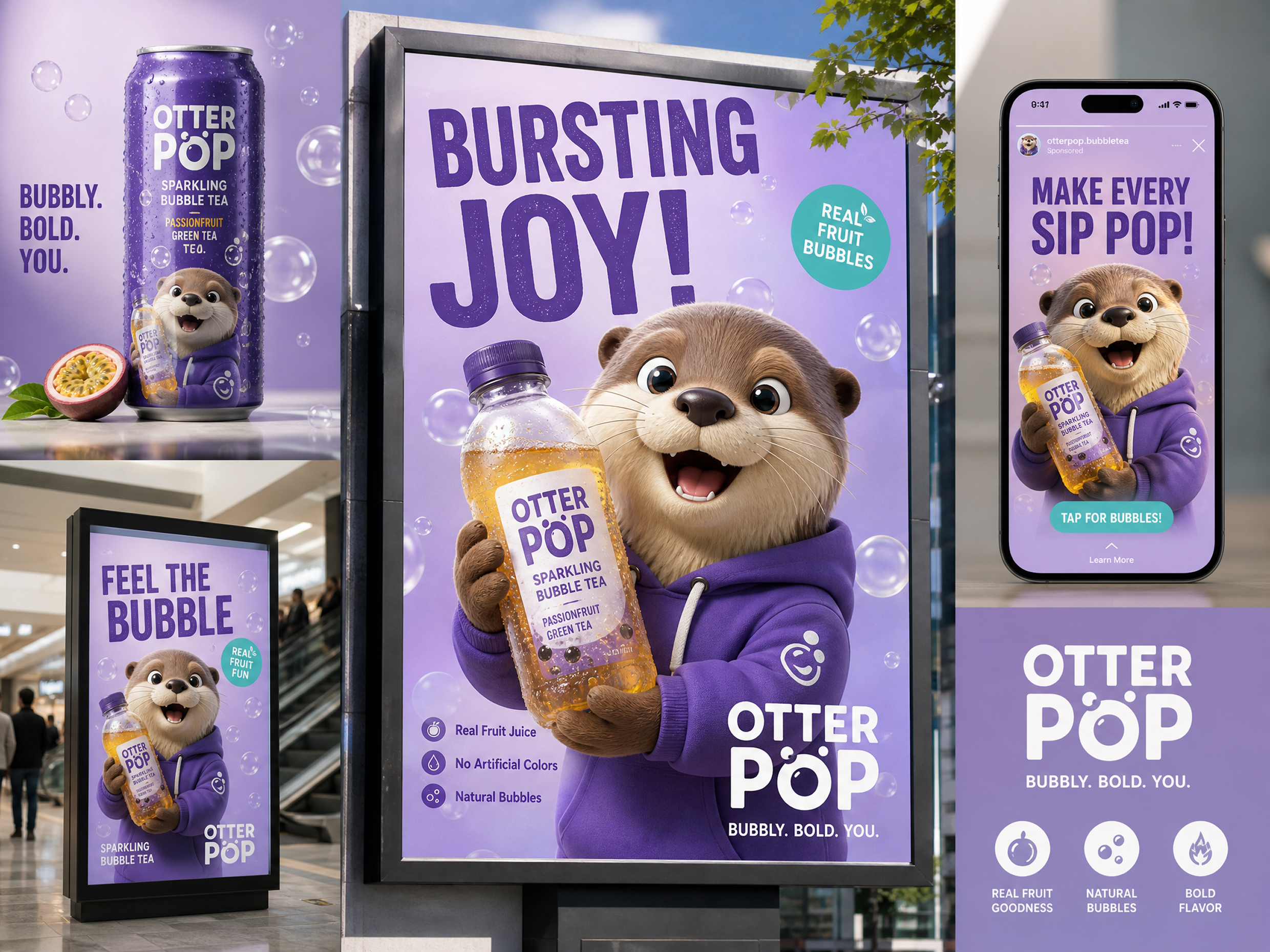
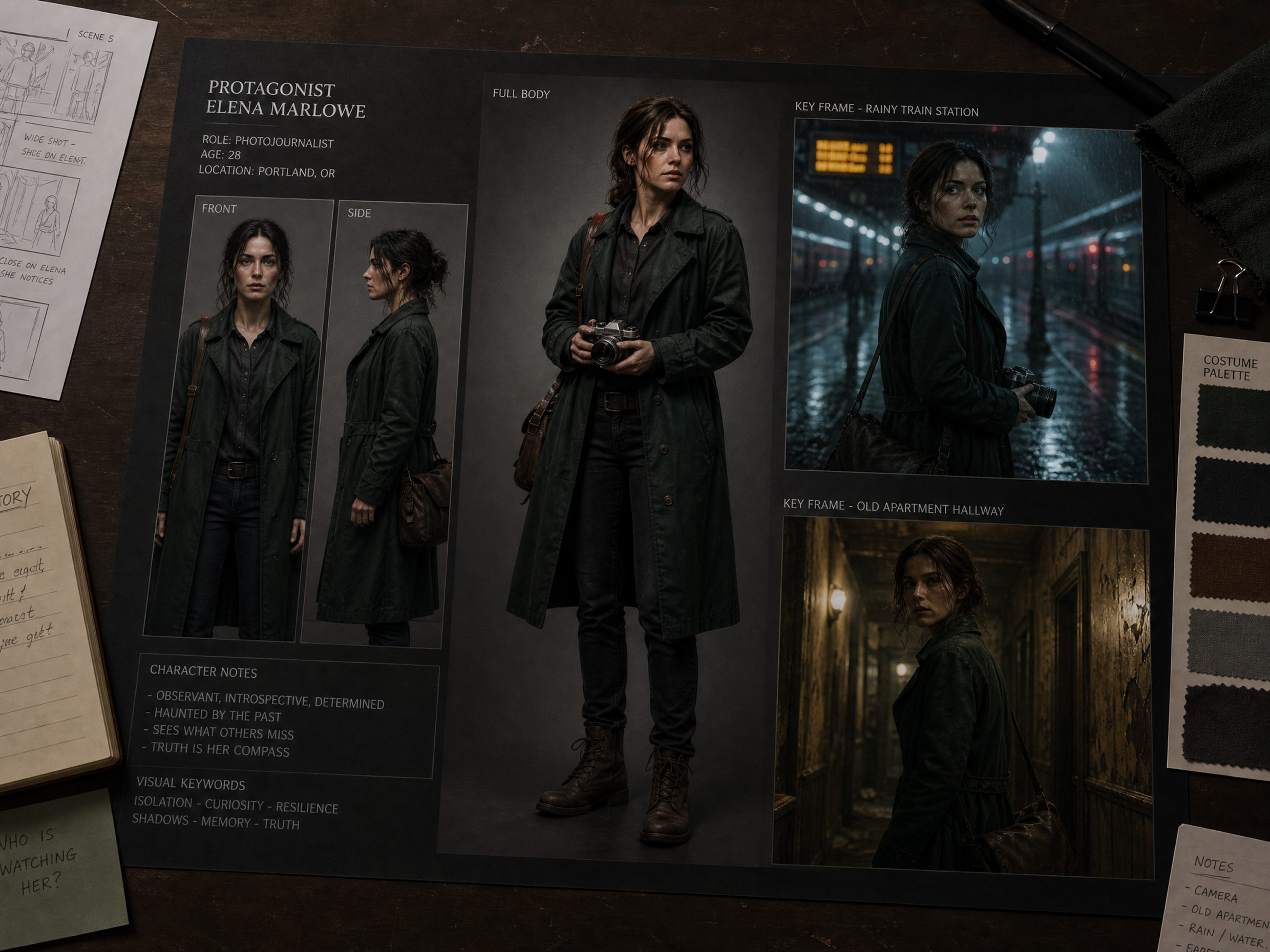
FAQ about 3D character creator
Can AI make 3D character models?
How to create a 3D avatar of yourself?
Upload a clear portrait, describe the desired 3D style, outfit, expression, and background, then refine the result. Users searching for a 3D Character Creator Online Free should check current credits and export limits first.
How to start 3D modeling for beginners?
Start with simple shapes, navigation, lighting, and basic materials in a beginner-friendly 3D Model Maker. Practice one small object at a time before moving to character sculpting, topology, rigging, and animation.
Can AI make good 3D models?
Yes, but quality depends on the tool, prompt, reference image, and output type. A 3D Character Creator Free option may work for concept art, while production-ready models usually need manual cleanup or professional software.
What is an AI 3D character creator?
An AI 3D character creator turns text prompts or photos into dimensional-looking character visuals. It helps users explore faces, outfits, poses, and styles quickly without starting with traditional modeling workflows.
Can I create a 3D character from a photo?
Upload a clear photo and describe the desired style, pose, clothing, and setting. Searches such as 3D Games To Customize Character Free Realistic often reflect similar demand for personalized, realistic character concepts.
Create Polished 3D Characters with RoboNeo
Turn text prompts or reference images into polished 3D-style characters for ads, stories, social posts, and short videos. Use the RoboNeo AI 3D character creator to adjust outfits, expressions, poses, and visual styles, then create ready-to-use character visuals in less time.
What Users Say About the RoboNeo 3D Character Creator
Social Media Designer
RoboNeo helped me turn a rough mascot idea into several polished character directions for a campaign. Editing details through simple instructions made concept reviews faster, and the approved design gave our social posts a more consistent look across multiple formats.
Indie Story Creator
I used the tool to test outfits, expressions, and moods before finalizing my storyboard. Having a clear character reference made it easier to discuss scenes with my editor and helped us avoid changing the visual direction halfway through production.
Creative Strategist
We needed several character concepts before presenting a campaign. RoboNeo made it easier to compare directions and refine the strongest option without rebuilding everything. The final visuals gave stakeholders something concrete to review before the team invested in full production.