
Easy YouTube Thumbnail Maker with NanoBanana2 on RoboNeo
Create eye-catching YouTube thumbnails in seconds with NanoBanana2. Fast, professional, and easy - perfect for creators, students, businesses, vloggers, and more. No design skills needed!
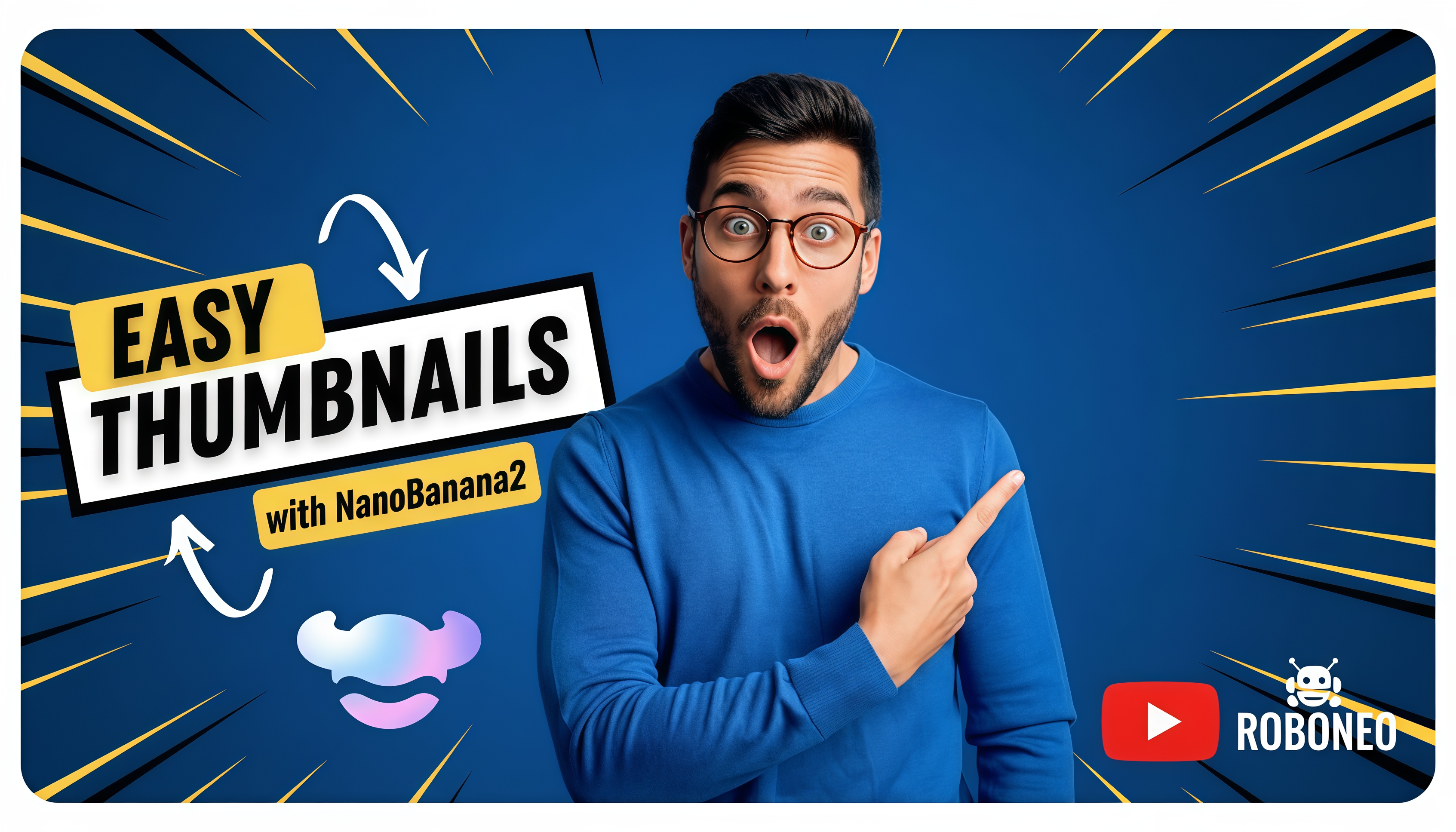
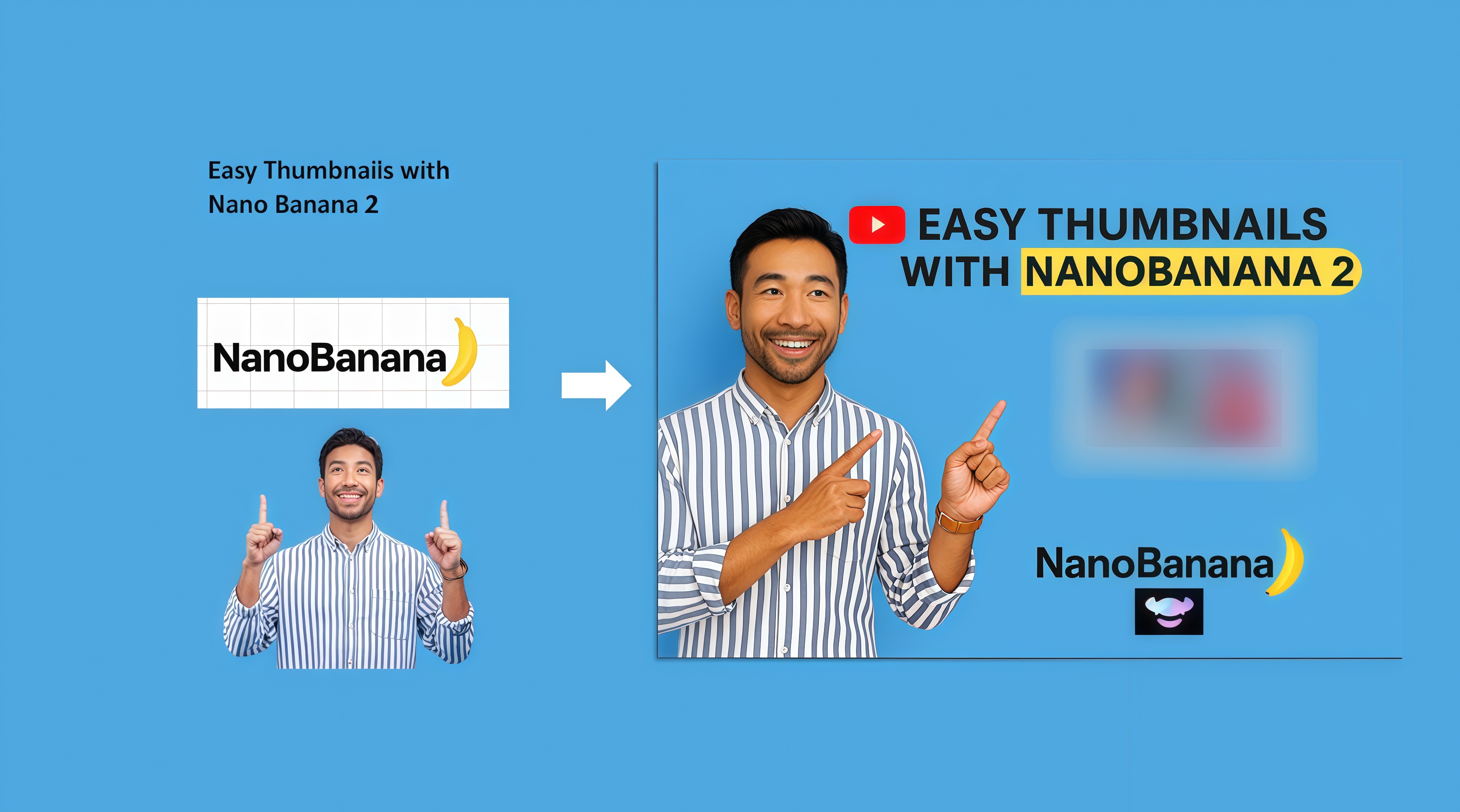
How We help You make Better Thumbnails
Effective thumbnails drive YouTube clicks. NanoBanana2’s workflow mode helps you craft them from scratch, while the NanoBanana2 model lets you refine images after any node - sharpening details, adjusting colors, and creating polished, high-impact visuals fast.

Thumbnail for Tech Review: Google Gemini 3.0
Tech videos rely on sharp, high-contrast thumbnails to stand out in crowded search results. With RoboNeo’s workflow and the NanoBanana2 model, you can build a Gemini 3.0 thumbnail that looks professional in minutes. Start from a clean layout, add the Gemini logo or a product image, and let the workflow auto-adjust contrast, lighting, and text placement. You can then refine the picture after any node using NanoBanana2 - enhancing edges, correcting colors, and making the main subject pop. The result is a crisp, clickable thumbnail perfect for tech reviews, updates, and AI news videos.
Best Practices for Professional Thumbnails
Focus on a Single Clear Subject
Avoid clutter. One person or object should dominate the frame, else the first picture inserted into the node.
Use High Contrast Colors
Specify bright backgrounds paired with dark text (or the opposite) inside the prompt - to make the thumbnail stand out in YouTube feeds.
Keep Text Short
Tell Nanobanana2 to use 3–5 words max. Large, bold, and remember that high-contrast fonts work best on small screens.
Show Your Brand
Add your channel logo or color theme to build recognition.
Sharpen the Main Subject
Insert specific details in the prompt, such as creating a crisp face, bright eyes, and clean edges - all to make the thumbnail feel more professional.
Test Variations
A small change in composition or color can improve performance. Generate multiple options quickly with RoboNeo + NanoBanana2.