
AI Video Denoising: Remove Noise & Grain Instantly with Roboneo
Clean up noisy or grainy videos with RoboNeo’s AI video denoising tool. Reduce noise, restore clarity, fix low-light issues, and enhance details directly in your browser
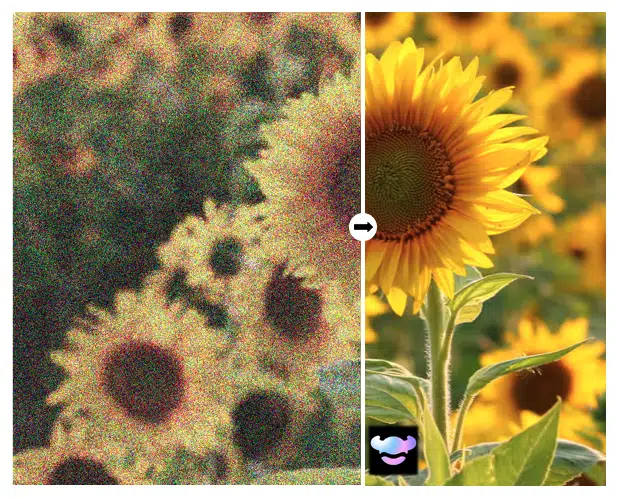
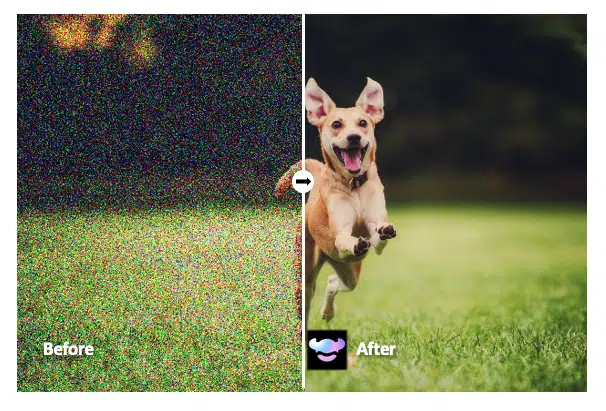
Advanced Noise Reduction Built for you
RoboNeo analyzes every frame using deep-learning noise profiling. Instead of blurring or softening your image, the AI identifies noise patterns and removes them selectively, preserving edges, textures, and fine detail.
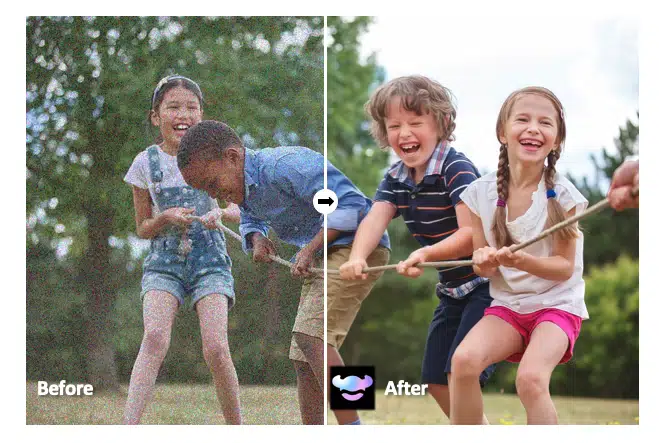
Clean Up Your Video Automatically
With RoboNeo, you do not need technical experience. Just upload your clip, select the denoise setting, and click run. The AI handles everything - brightening shadows, smoothing harsh grain, and balancing colors.
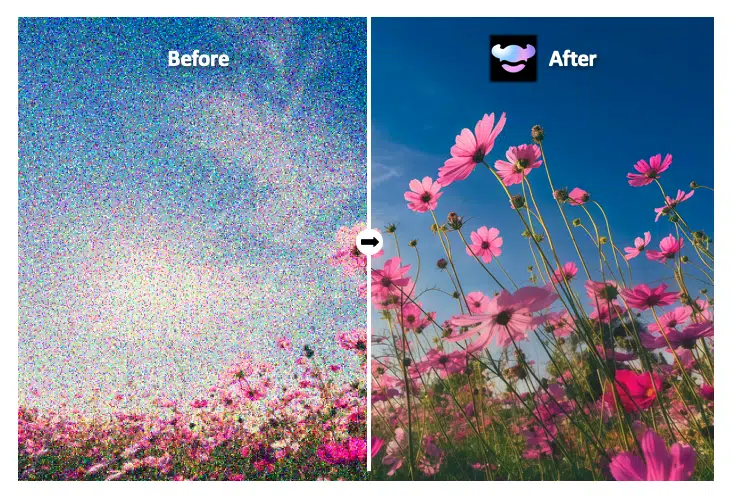
Neat and Real Footage
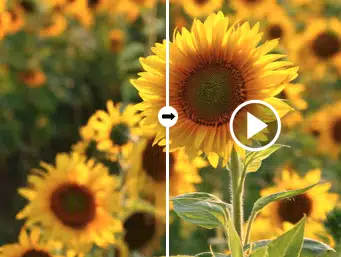
Traditional filters blur your footage to hide grain. RoboNeo’s Video Denoising feature preserves edges, skin texture, and fine details while removing noise, giving you a clean but natural-looking result.
How to Remove Noise from a Video with RoboNeo
Open RoboNeo’s Workflow
Create a new workflow in your browser.
Select Video Denoising
Choose the Video Denoising tool to activate AI noise removal.
Upload Your Noisy Clip
Drag and drop your footage or pick it from your device.
Click Run
Process the video and download a clean, noise-free version in seconds.
Perfect for Any Type of Video
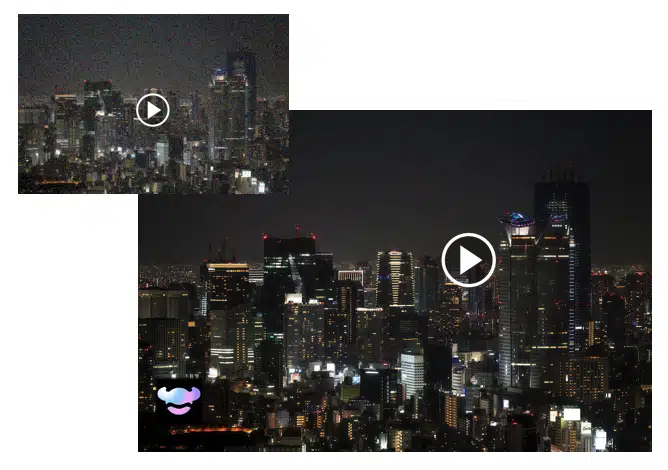
Night scenes
Low-light cityscapes often produce heavy grain and color noise. RoboNeo cleans shadows, restores detail, and makes night footage look crisp and clear.
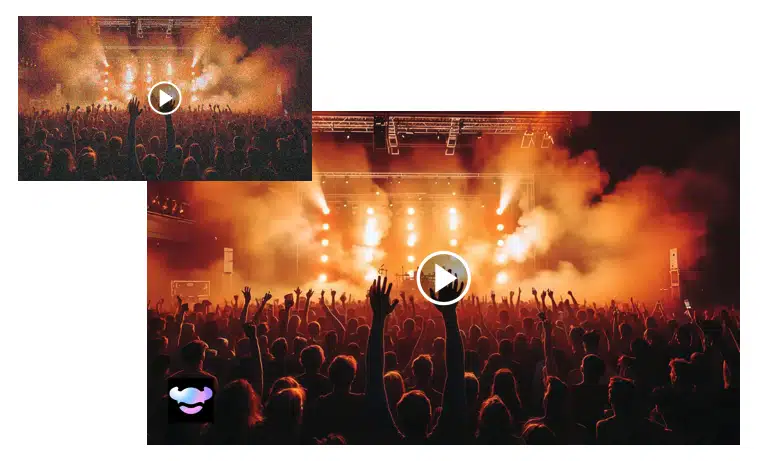
Concerts
Concert footage is difficult due to bright lights, smoke, and moving crowds. RoboNeo removes noise and stabilizes lighting, making performances look sharp and vibrant.
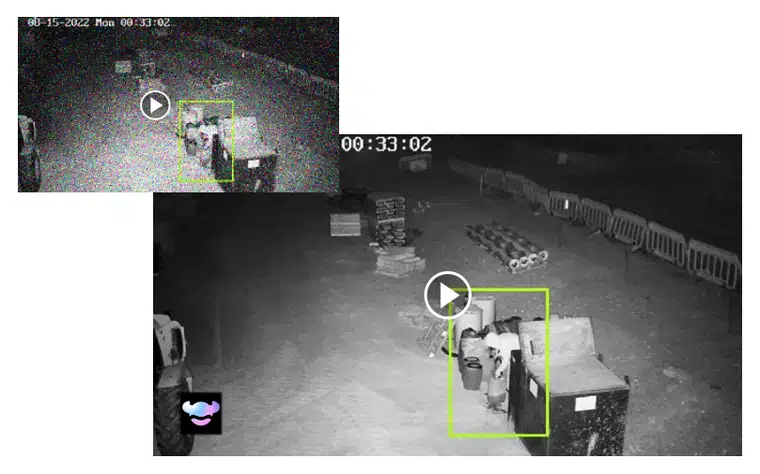
Webcam recordings
Webcams often produce noise in dim rooms or at night. RoboNeo removes pixel noise and improves clarity so footage looks clean and usable.
More Video Tools
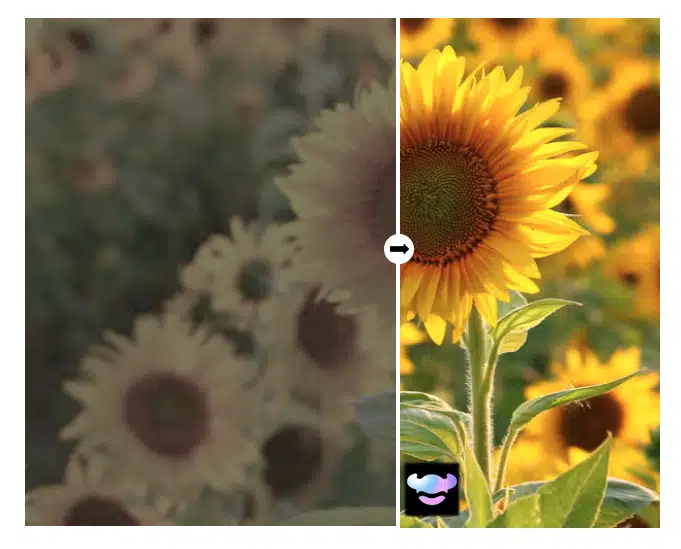
Smoother Videos in One Click!
Create smoother and more natural motion through AI-powered interpolation.

Explore Roboneo Now!
Frequently Asked Questions
What causes noise in videos?
Will denoising make my video blurry?
No. RoboNeo preserves edges and natural texture, avoiding the soft, plastic look of traditional denoising filters.
Can I both denoise and upscale?
Yes. RoboNeo lets you combine denoising with 1080p, 2K, or 4K upscaling by running the two prompts in succession.
Does RoboNeo work in the browser?
Yes — no installation required.