
Create Print-Ready Posters in Minutes with NanoBanana 2 on RoboNeo
Designing professional posters has never been easier, thanks to RoboNeo’s AI-powered tool, developed in partnership with NanoBanana 2.
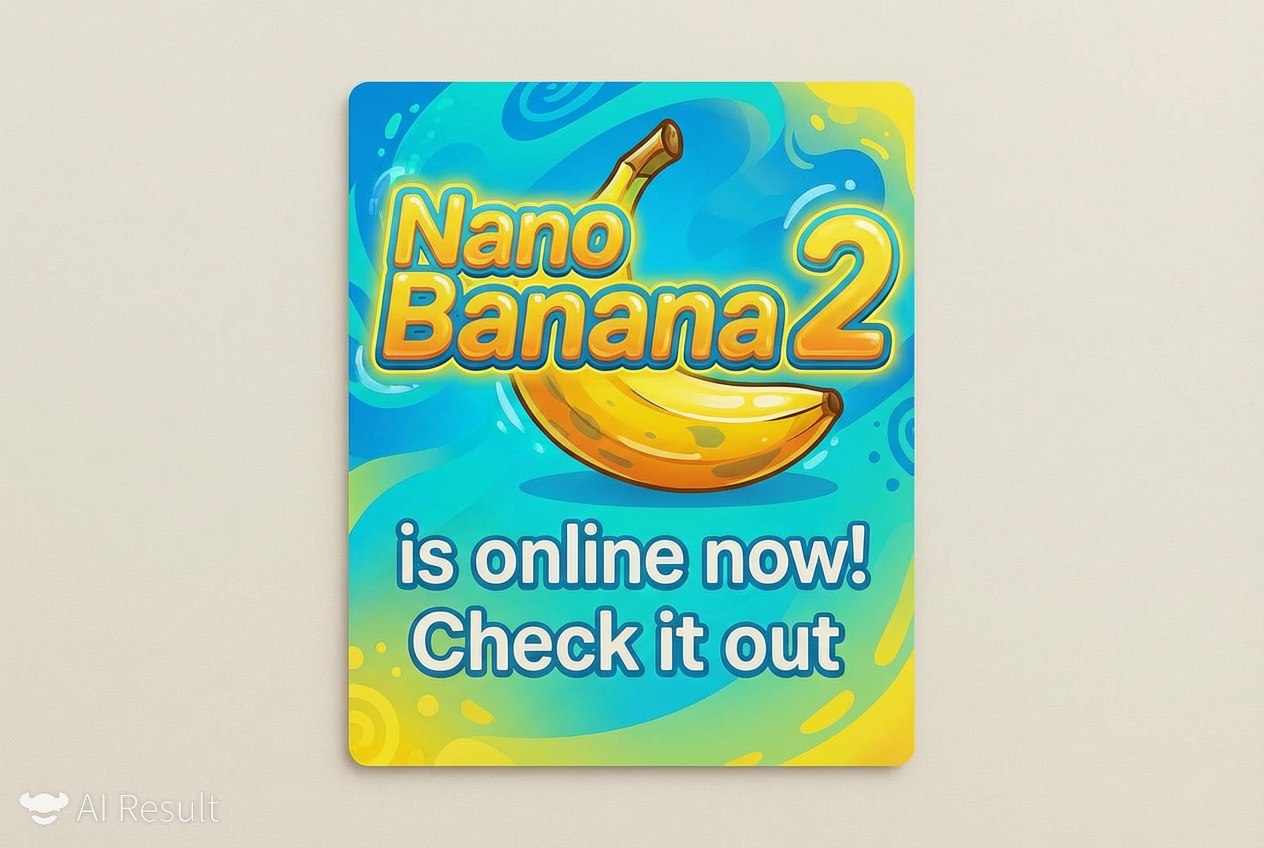
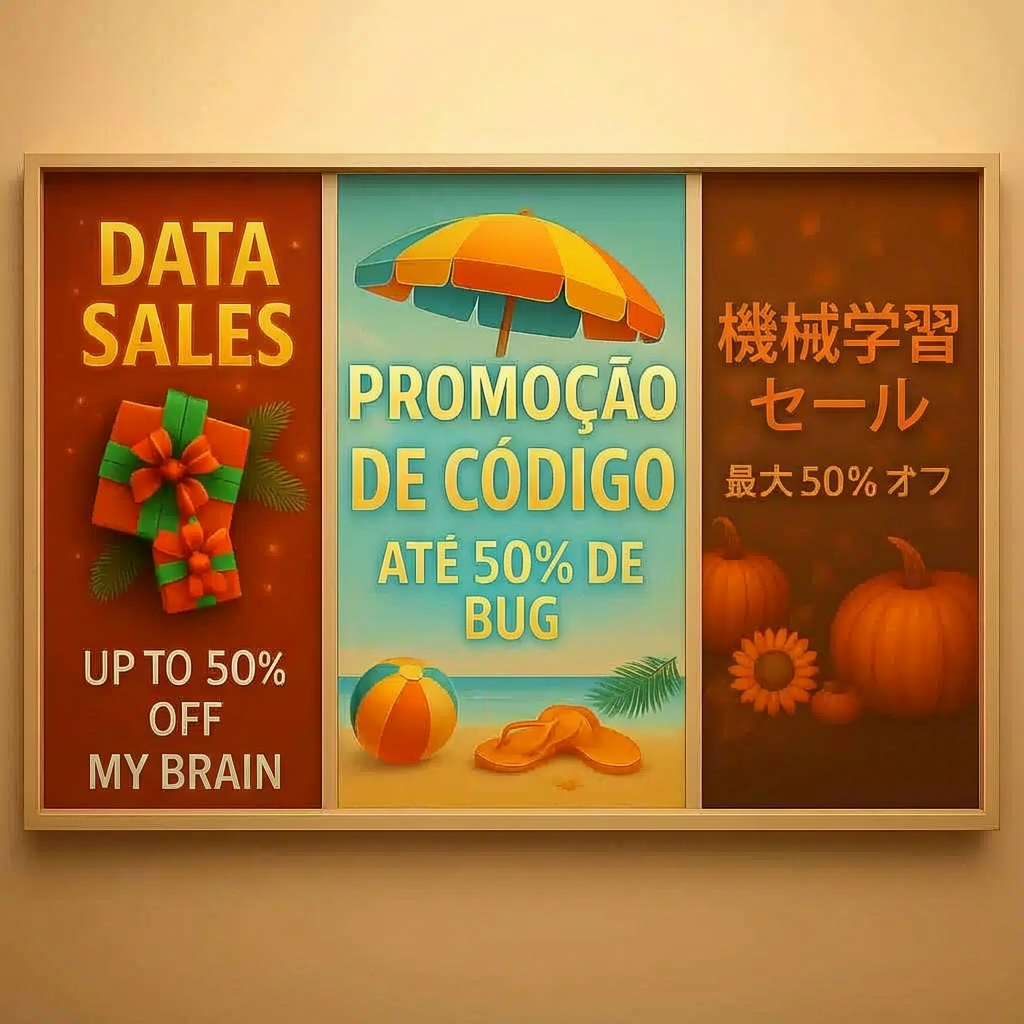
Seasonal and Multilingual Poster Designs for Business
RoboNeo’s holiday-themed poster tool (powered by NanoBanana 2) supports poster generation in multiple languages. It also allows users to edit text within posters and match it with festive color palettes to context-matching icons and fonts. It’s ideal for anyone needing polished, coordinated seasonal marketing assets without spending hours on manual design or hiring a professional.
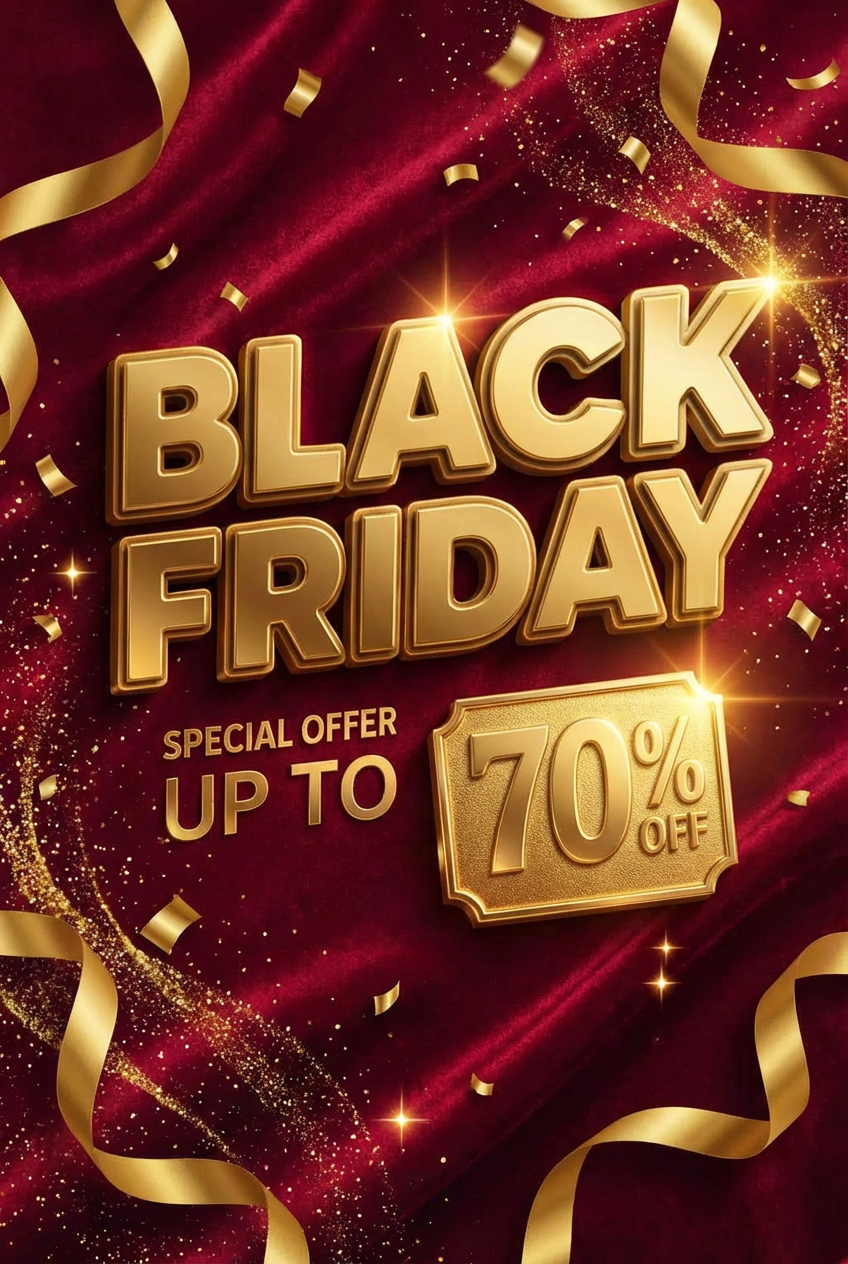
Business Poster: Black Friday Promotional Advertisement
Enter workflow mode, upload a background color or original image, tweak colors and text to your liking using prompts, then let the workflow run automatically. This will generate a stunning Black Friday poster - perfect for sharing on social media and displaying offline - to boost foot traffic, drive online sales, and maximize your seasonal campaign impact.

Holiday-Themed Posters:Christmas
Start by uploading a festive background - opt for classic red/green hues, shimmering gold, or a cozy original image (like a snow-dusted tree or twinkling lights). Refine details with simple prompts: tweak colors to match your brand’s holiday vibe, adjust text for messages like “Christmas Deals” or “Season’s Greetings,” and add playful accents (snowflakes, holly, or candy canes) with a quick prompt. Let the workflow run automatically - NanoBanana 2’s AI weaves your inputs into a cohesive, eye-catching design.
How to use Nanobanana2 model
Open Workflow Mode
Head to the RoboNeo homepage, then click the "Workflow" button on the left-hand side.
Create an initial node and upload a background picture
Click the + button, select the ‘Image to Image’ tool to create an initial node. Upload the initial image (for example a red background for the Blackfriday poster).
Input prompt & select Nanobanana2 model
Input the prompt "Create a high-impact Black Friday marketing campaign poster (1:1 ratio, no cropping):
Center text focus: Replace existing center copy with bold, urgent messaging that reflects Black Friday’s core appeal—e.g., “BLACK FRIDAY | SPECIAL OFFER UP TO 70% OFF” + “LIMITED TIME ONLY” (use a modern, eye-catching sans-serif font). Use festive, high-contrast hues (red+ neon orange/red accents) to boost visibility and holiday sale vibes. Ensure text doesn’t cover key poster graphics; position center text prominently without obscuring imagery."
Download your Result!
Hit “Download” to get your poster (optimized for social media, in-store displays, or emails).