
Create Custom Logos Instantly by using NanoBanana 2 in RoboNeo
Designing logos has never been this easy. Try RoboNeo’s AI-powered tool, developed in partnership with NanoBanana 2.
Professional Business Logo Designs
Our logo design tool creates tailored, brand-aligned logos for any business, by your brand’s core vibe (cozy, modern, rustic, bold, or minimalist) to remarkable fitting elements: curated color palettes, industry-relevant icons, and fonts that mirror your aesthetic. Even subtle details like texture accents, symbolic motifs, or seasonal flourishes are woven in seamlessly. It’s ideal for entrepreneurs, small business owners, or marketers needing a distinct, memorable logo without the cost of a professional designer or the time spent on manual iterations.
Keeping Logo Brand-Consistency
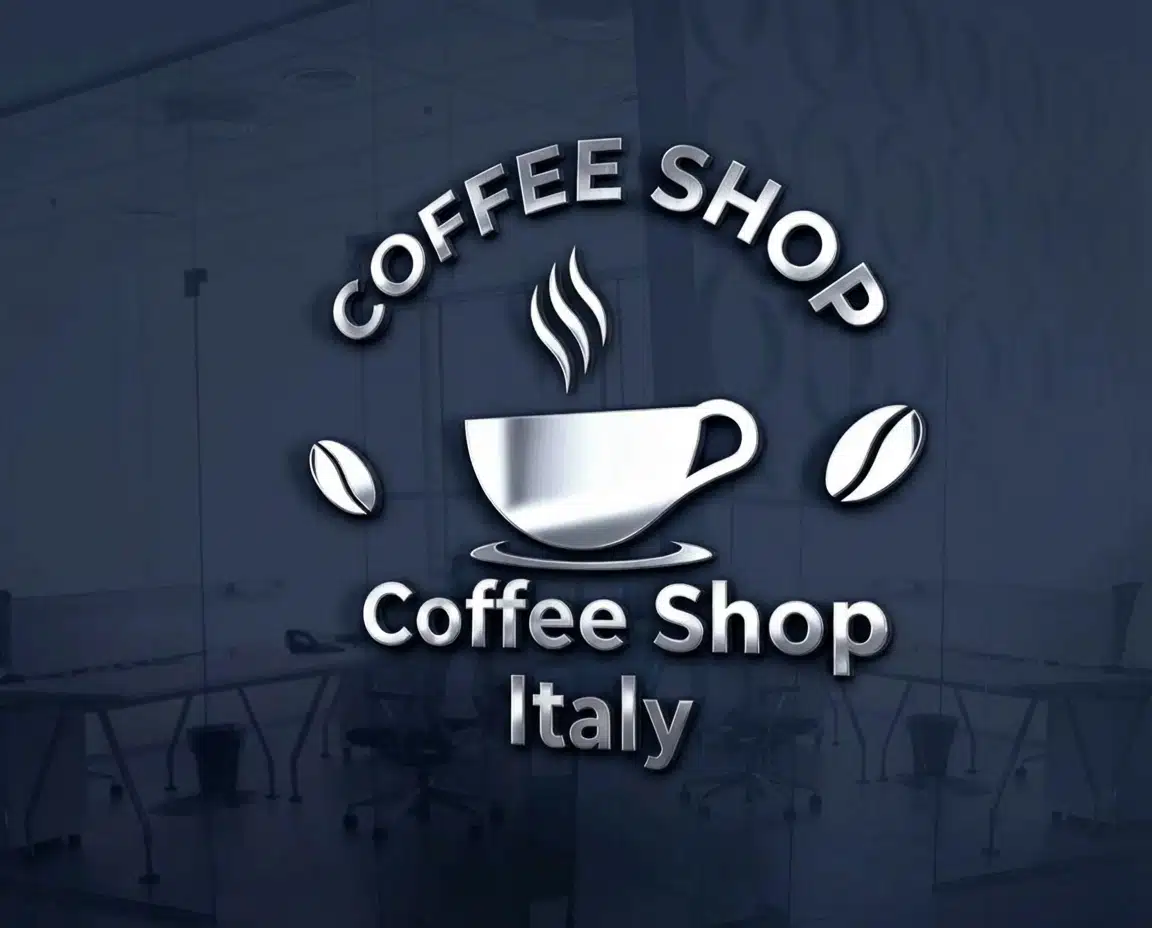
Your logo is the face of your brand and keeping it consistent across every asset, from business cards to social posts, is key to building recognition. In a crowded market, consistent branding sets you apart. When your business cards reflect uniform design elements - aligned with your brokerage’s guidelines, team identity, or personal brand - you build instant recognition with clients, partners, and prospects. Whether you’re handing out cards at open houses, networking events, or client meetings, a consistent look reinforces your professionalism, signals reliability, and makes your brand easier to recall when referral opportunities arise.
How to use Nanobanana2 Model
Open Workflow Mode
Head to the RoboNeo homepage, then click the "Workflow" button on the left-hand side.
Create an initial node and upload a background picture
Click the + button, then select the "Image to Image" tool to create an initial node. Upload your base logo image - like your company’s initial letter - or if you’re starting from scratch, describe the shape and form in precise detail.
Input prompt & select Nanobanana2 model
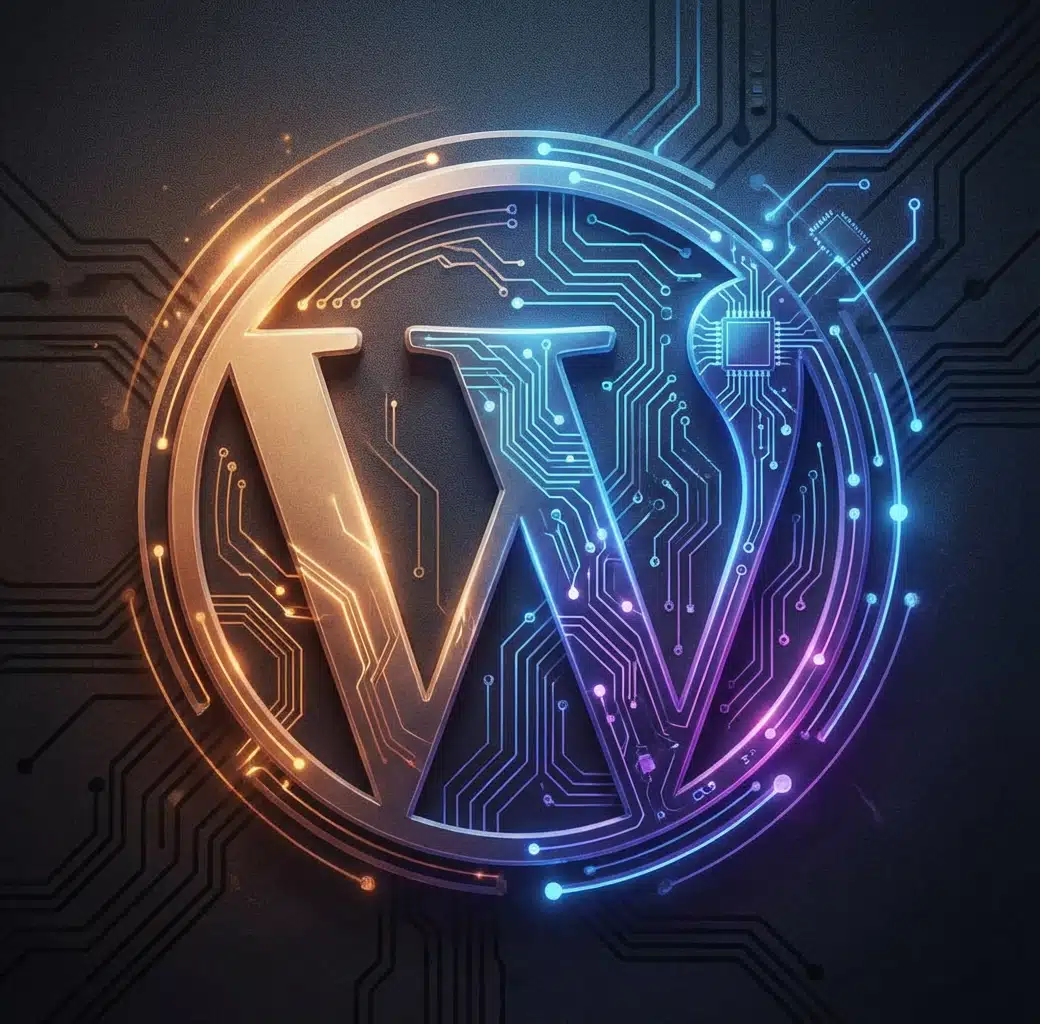
Input your prompt: "Enhance the logo (keeping its core shape) to feel futuristic/professional: split colors (left: yellow→orange gradient; right: blue to purple gradient), add a shiny metallic border, format as a poster on a dark background (matte black/deep charcoal) to make the logo pop."
Download your Result!
Hit “Export” to get your logo (optimized for social media, in-store displays, or emails).