
Roboneo makes Gemini 3.0 easy for everyone
You can create amazing content with RoboNeo, a free ai tool that makes advanced ai easy for everyone. Just upload your image, pick the right tool, and get instant insights. This free ai tool helps you create, edit, and share content fast. Use ai to create captions, summaries, and ideas. Try this tool now and create better content with a free ai tool.
What Is Gemini 3.0?
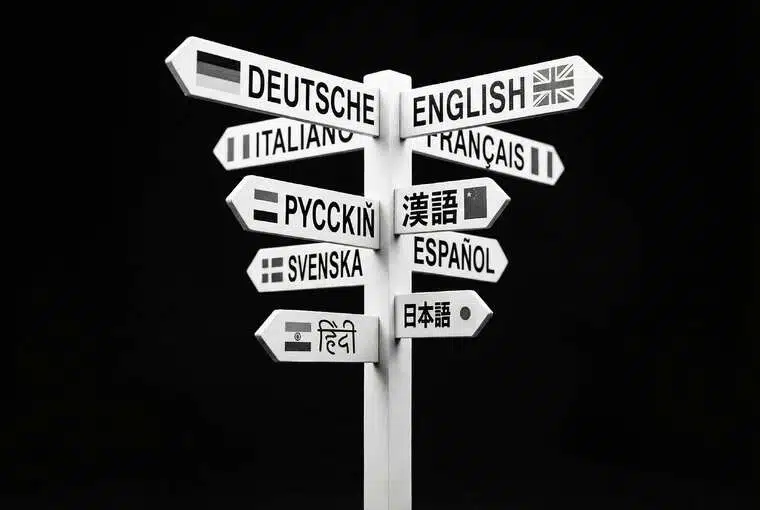
Gemini 3.0 is Google’s newest multimodal AI model. It understands images and videos with high accuracy, detecting objects, scenes, actions, colors, and context. RoboNeo now brings this power directly into your workflow.
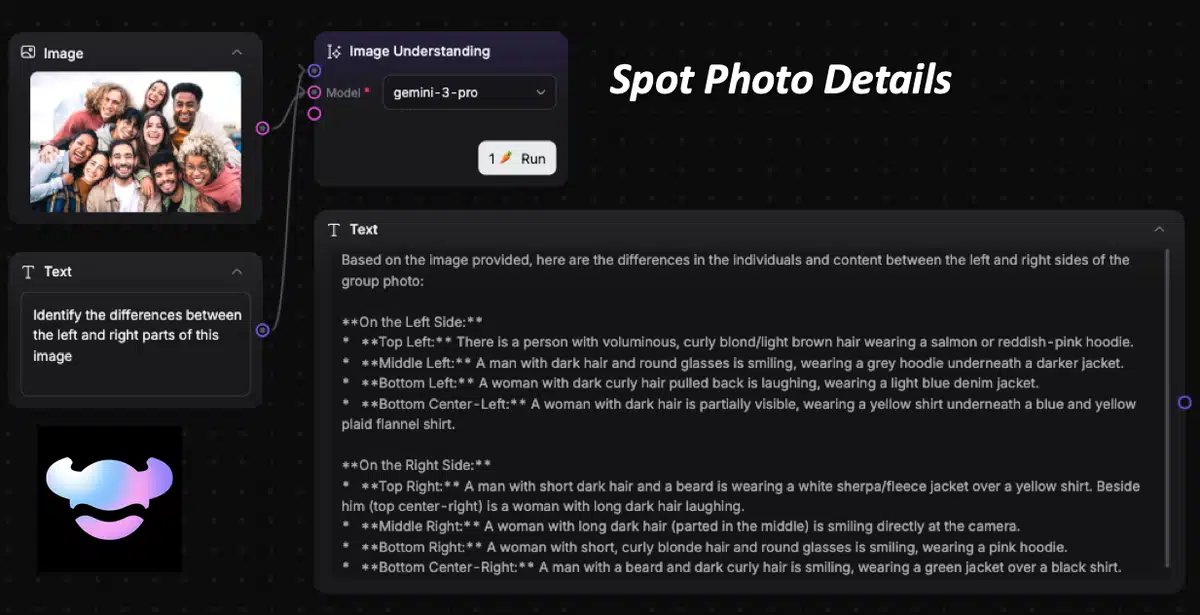
Gemini 3.0 Image Understanding
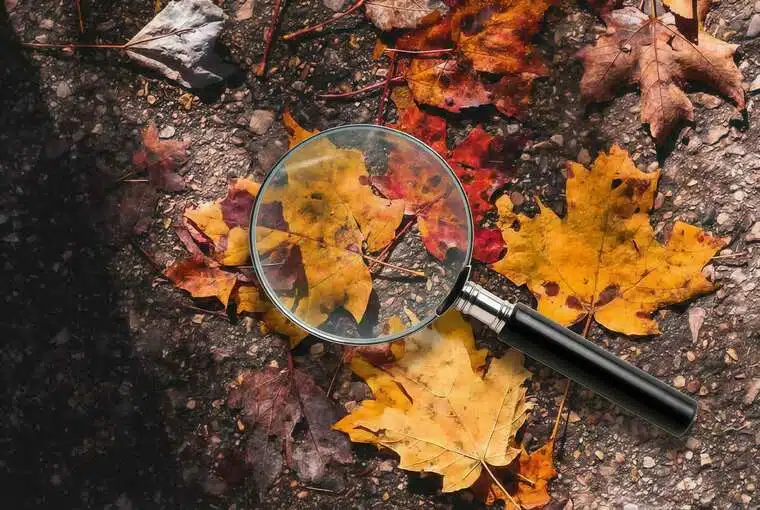
RoboNeo Image Understanding uses Gemini 3.0 to analyze any uploaded photo and return clear descriptions, captions, alt text, and scene details. The AI identifies objects, people, colors, and context, helping creators and marketers generate accurate insights and ready-to-use content instantly.
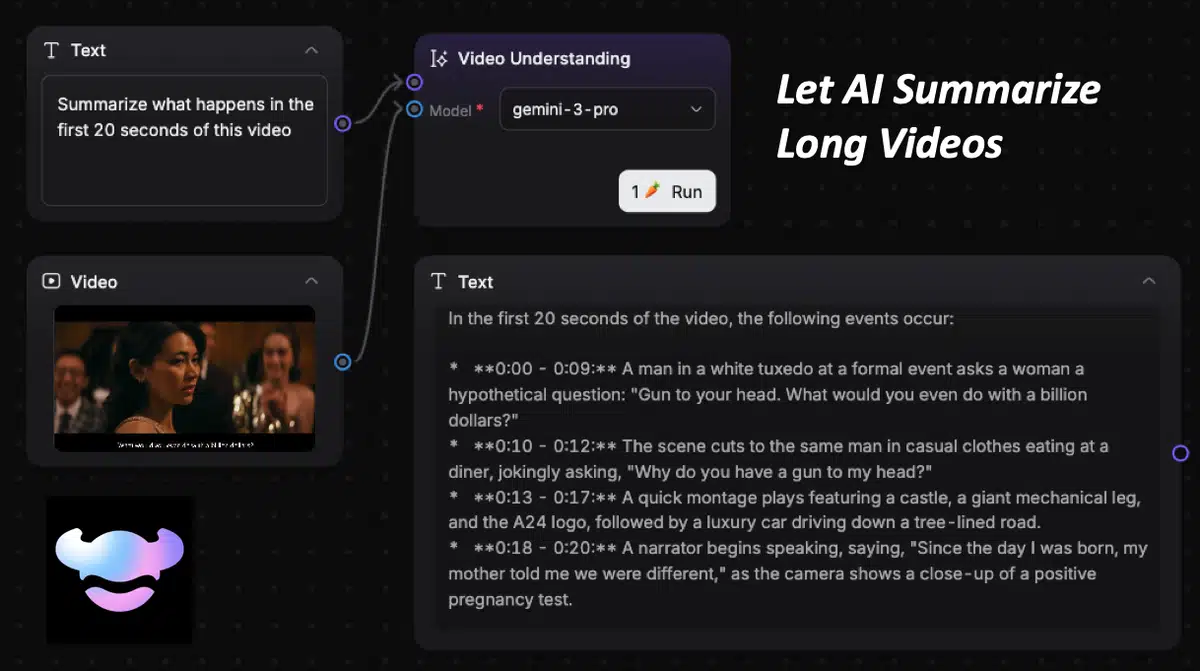
Gemini 3.0 Video Understanding
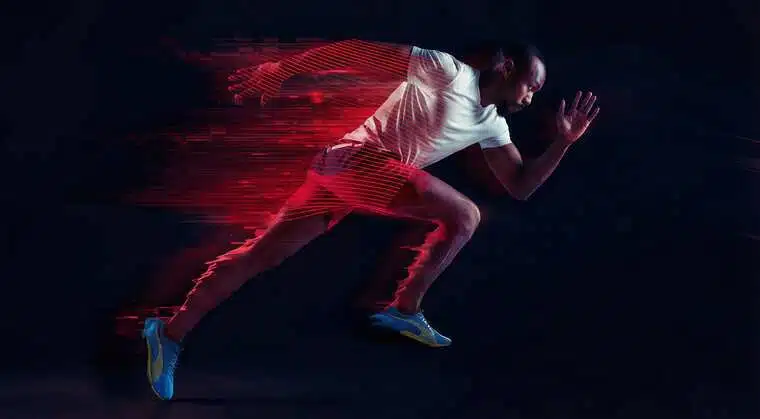
RoboNeo Video Understanding powered by Gemini 3.0 reads full videos, detects scenes and actions, and generates summaries, highlights, captions, and scripts. It gives creators, brands, and editors fast, accurate insights without watching the entire clip manually.
How to Use Gemini 3.0 Image & Video Understanding on RoboNeo
Enter a new workflow
Open RoboNeo and start a new workflow.
Upload your file
Upload your image or
Add a New Node
Choose Image Understanding for photos or Video Understanding for clips.
Select Gemini 3.0
Open the model menu and select gemini-3-pro, the new Google Gemini 3.0 model on RoboNeo.
Who Gemini 3.0 Helps on RoboNeo
Create better content faster
Use Gemini 3.0 on RoboNeo to generate social captions, video scripts, creative ideas, and highlight moments directly from your images and clips. The AI analyzes your content and delivers publish-ready text in seconds.

Explore Roboneo Now!
Frequently Asked Questions
Does RoboNeo offer Gemini for free?
Does Gemini work on videos?
Yes. Use the Video Understanding node for full clips.
What can Image Understanding do?
It can describe scenes, generate captions, create alt text, list objects, and write metadata.
Do I need experience to use it?
No. Upload your content, enter a prompt, and run it.
Is my content private?
Yes. RoboNeo does not share or retain your files.