
AI Video Upscaler by RoboNeo Makes Videos Shine
Our AI video upscaling engine is designed from the ground up for premium, high-fidelity results.
With support for 720p, 1080p, 2K, and 4K output, you can upscale any clip in seconds without installing software. Whether you are improving low-light footage, stabilizing motion, or sharpening textures, RoboNeo delivers fast and accurate enhancement every time.
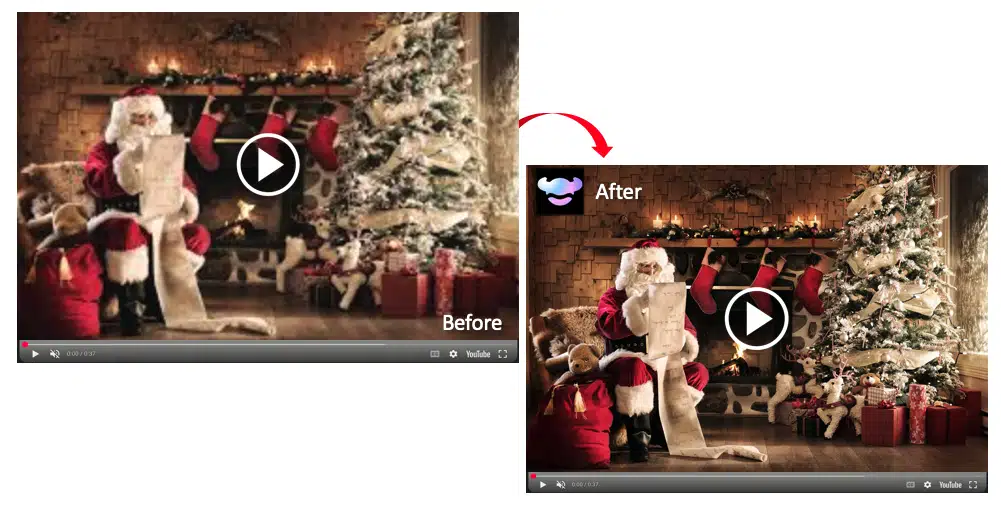
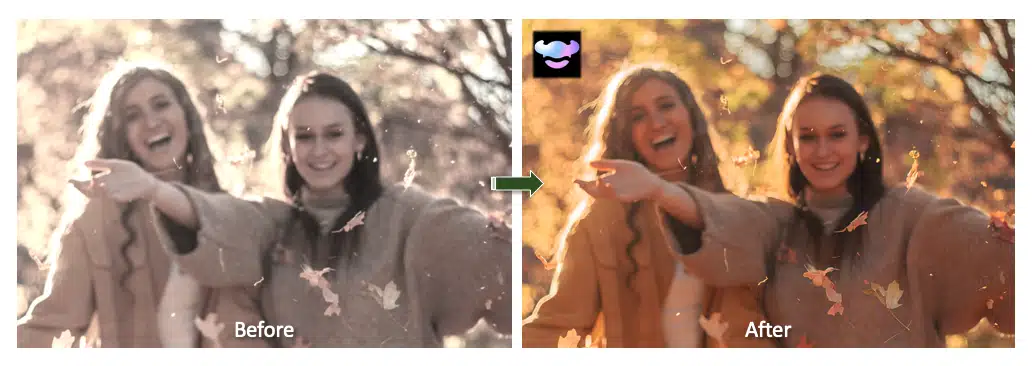
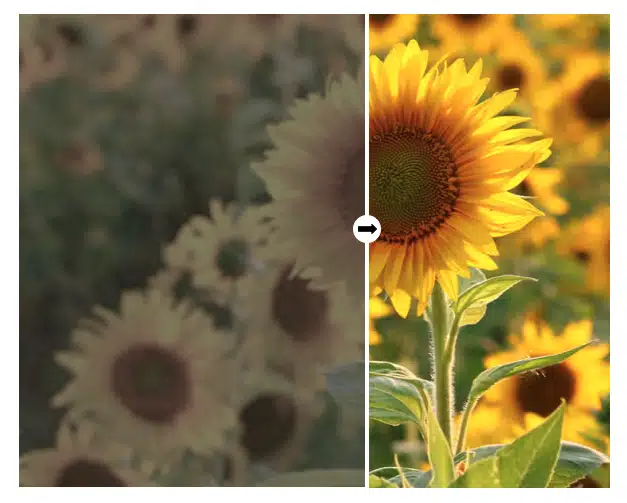
Deblur & Enhance video quality
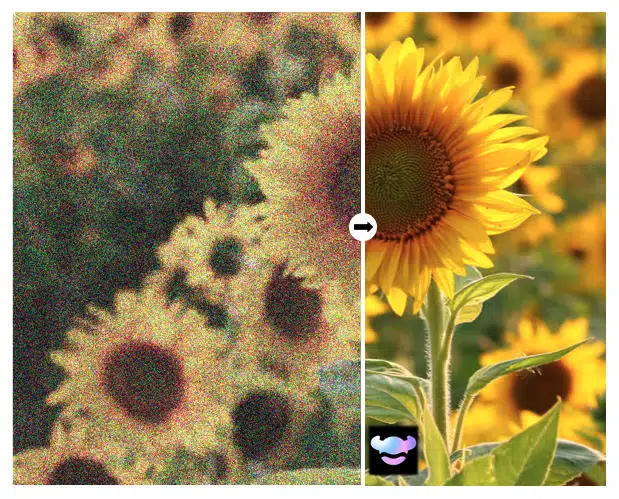
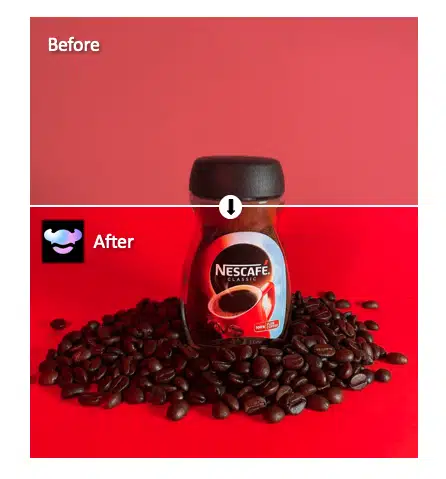
Unleash the full potential of your footage with RoboNeo. Upgrade low-quality or blurry videos instantly as RoboNeo’s advanced super-resolution models restore detail, reduce noise, and enhance clarity. Take your visuals to the next level with RoboNeo's Video Super-Resolution.
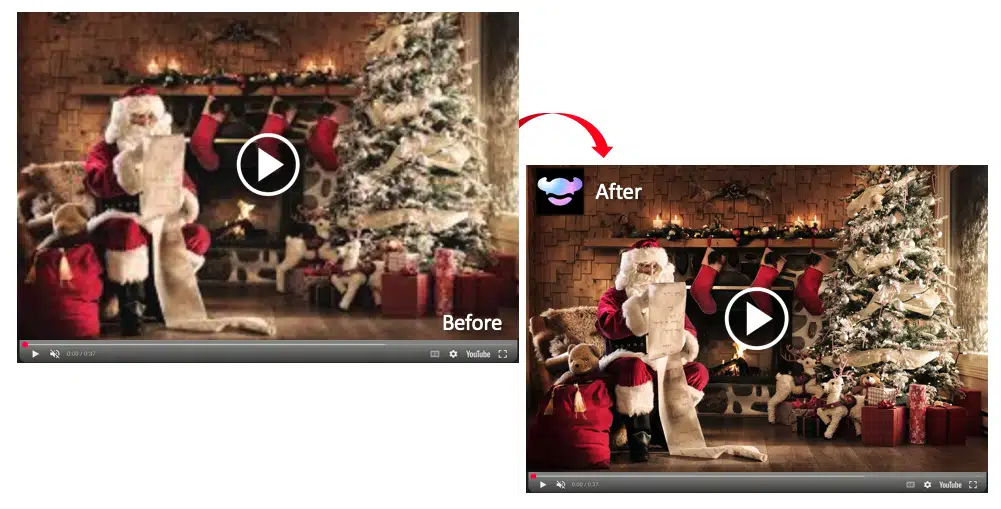
Upscale Christmas Songs
Improve low-light Christmas video recordings with AI-powered super-resolution. RoboNeo sharpens faces, reduces noise, and boosts overall clarity, giving your Christmas songs clips a clean, high-quality look.
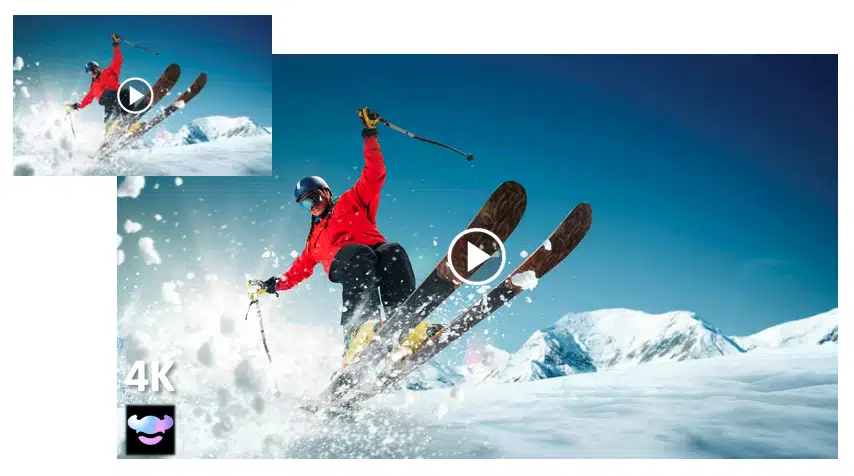
Try the No Watermark option
Instantly upscale videos with Roboneo's AI Video Super-Resolution function.
No matter the video format, resolution, or recording conditions, RoboNeo’s Super Video Resolution adapts to deliver high-quality results. From professional edits to personal memories, you can process, refine, and optimize your footage to fit a wide range of creative and practical needs - all with fast, reliable AI enhancement.
How to Upscale video to 4K?
Open Roboneo's Workflow
Launch RoboNeo in your browser and start a new workflow to access all AI tools.
Click on Video Super-Resolution
Choose the Video Super-Resolution node to enable 720p, 1080p, 2K, or 4K enhancement.
Upload your Video
Drag and drop your clip or select it from your device. RoboNeo will prepare it for upscaling.
Click on Run
Run the workflow to upscale your video. In seconds, you will get a sharper, cleaner 4K version ready to download.
More Video Tools
Perfect for Any Type of Video
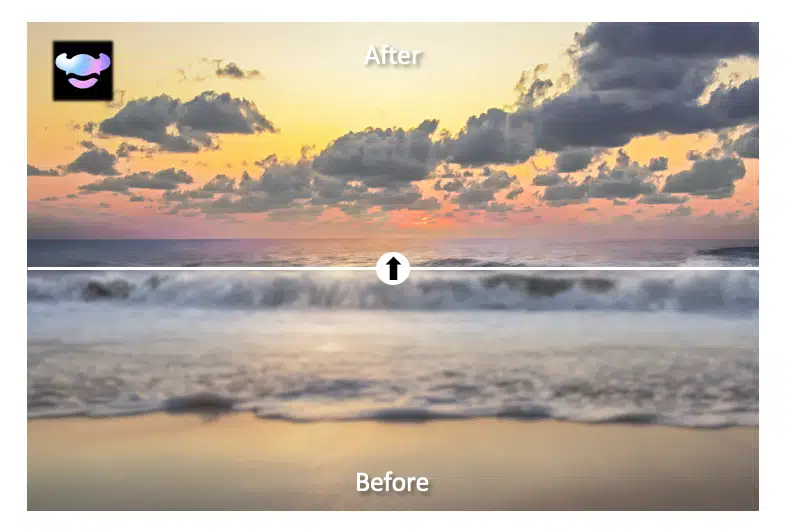
Enhance Holiday Videos with AI Upscaling
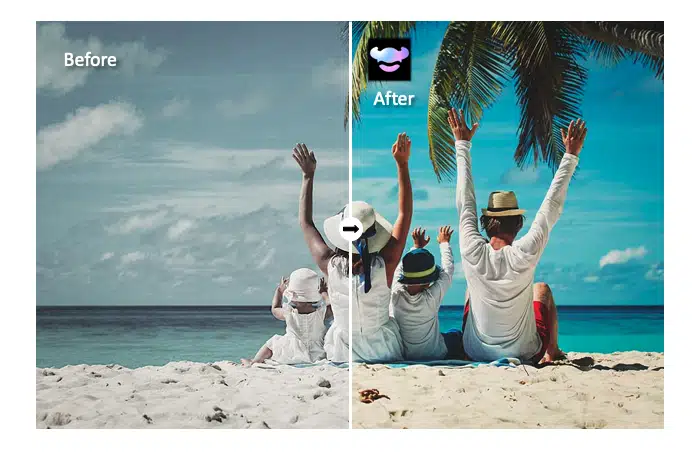
Improve family vacation clips by boosting clarity, color, and detail. RoboNeo turns washed-out, low-quality holiday footage into bright, vivid memories.
Explore Roboneo Now!
Frequently asked Questions
How to upscale a video?
Can I upscale a video to 4K?
Yes. RoboNeo supports upscaling videos to 720p, 1080p, 2K, and full 4K. Simply select 4K as your target resolution in the Video Super-Resolution node, and the AI will generate a high-quality 4K output.
Is there any online browser video upscaler that enhances video quality?
Yes. Roboneo offers one-stop solutions to easily enhancing video and image quality. Apart from video upscaling, you can edit your clips with several more custom options in accordance to your prompt.
Can I upscale videos without losing quality?
Yes. Roboneo's Video Super-Resolution function is designed to eliminate common upscaling issues like pixelation, blurriness, and others. It produces perfectly natural visuals even when upscaling to maximum resolution.